
It's OK. It updated to the latest software from the manufacturer. Save the profile from the TV and post it here (on a hosting site). It is saved with a folder called downloadprofile.mb97. Stick in USB. Go to USB Operations and OK.

Çok eski bir web tarayıcısı kullanıyorsunuz. Bu veya diğer siteleri görüntülemekte sorunlar yaşayabilirsiniz..
Tarayıcınızı güncellemeli veya alternatif bir tarayıcı kullanmalısınız.
Tarayıcınızı güncellemeli veya alternatif bir tarayıcı kullanmalısınız.
Önemli VESTEL Üretimi tüm ürünler için FULL yazılım talep konusu
- Konuyu Başlatan By_Trol
- Başlangıç tarihi
MSmaster7000
Yeni Üye
Ziyaretçiler için gizlenmiş link,görmek için Giriş yap veya üye ol.
Hello, guys! Sorry, I don't speak your language. 
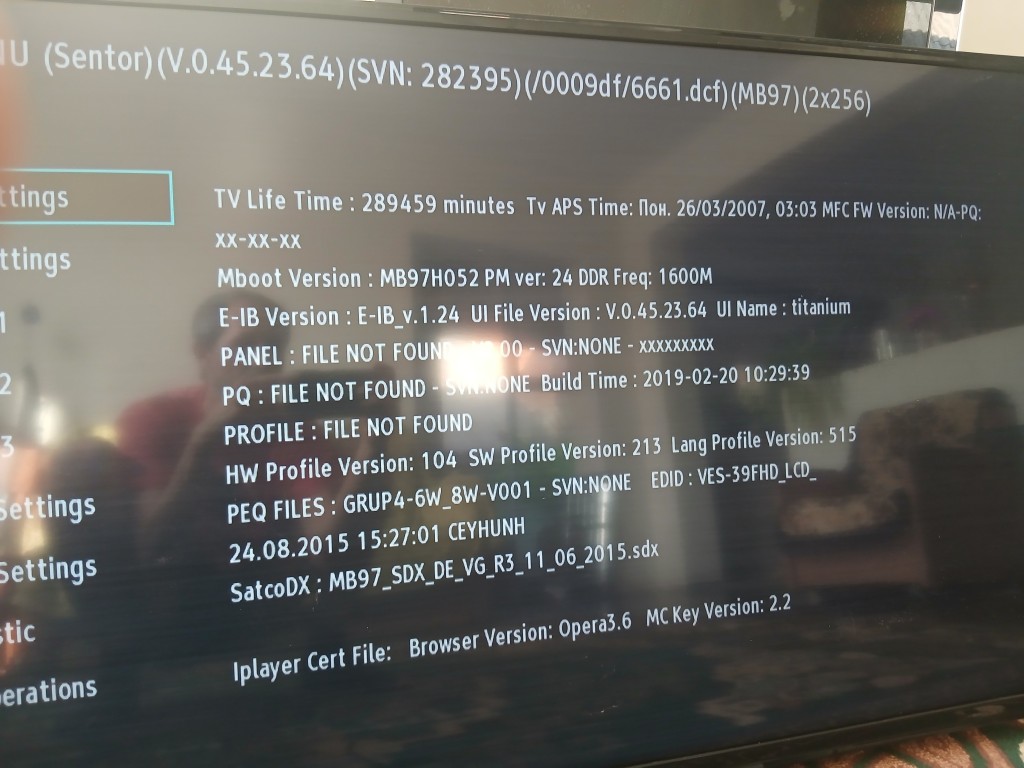
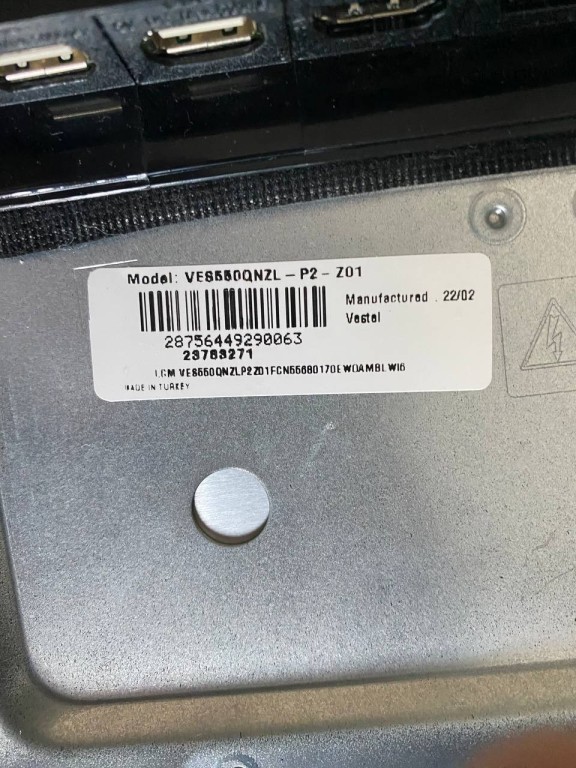
Someone replaced the mainboard in this TV. It was working well, but when I launched the built-in YouTube app, stripes would appear, the TV would freeze and then reboot. I flashed the first firmware I could find with a similar panel — from a Daewoo 55DM54UA (17MB170, VES550QNDH-N2). Now the image is doubled and stretched. Please help me with the correct file if possible! +It doesn't enter the service menu (menu4725)

Someone replaced the mainboard in this TV. It was working well, but when I launched the built-in YouTube app, stripes would appear, the TV would freeze and then reboot. I flashed the first firmware I could find with a similar panel — from a Daewoo 55DM54UA (17MB170, VES550QNDH-N2). Now the image is doubled and stretched. Please help me with the correct file if possible!
+It doesn't enter the service menu (menu4725)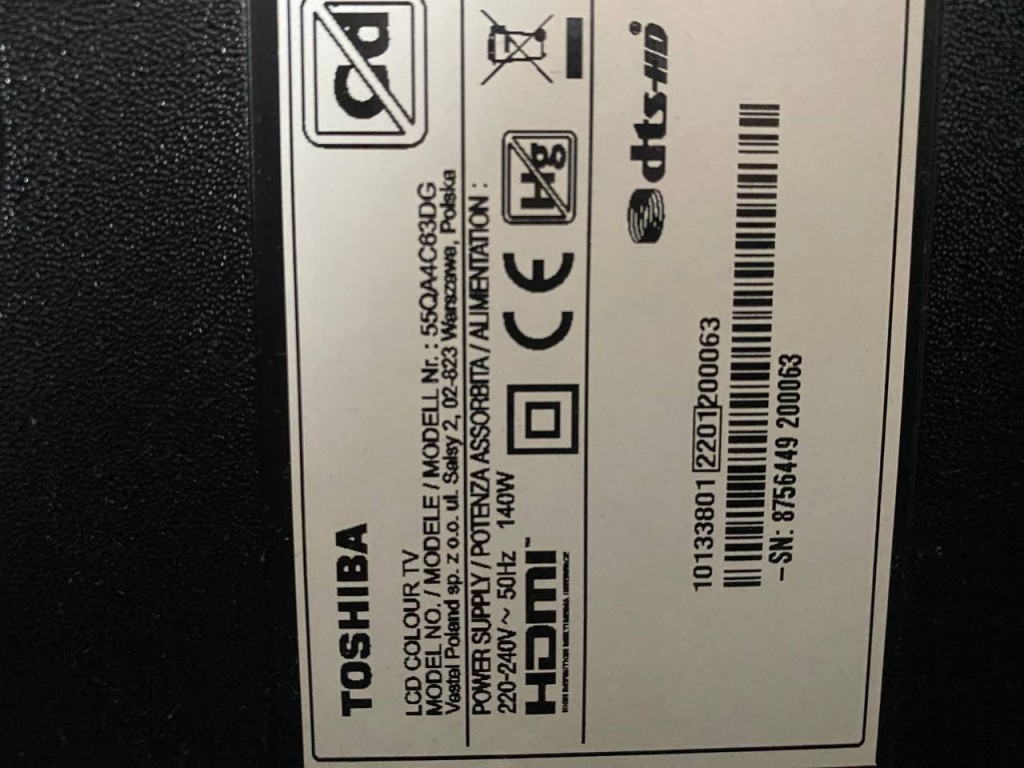
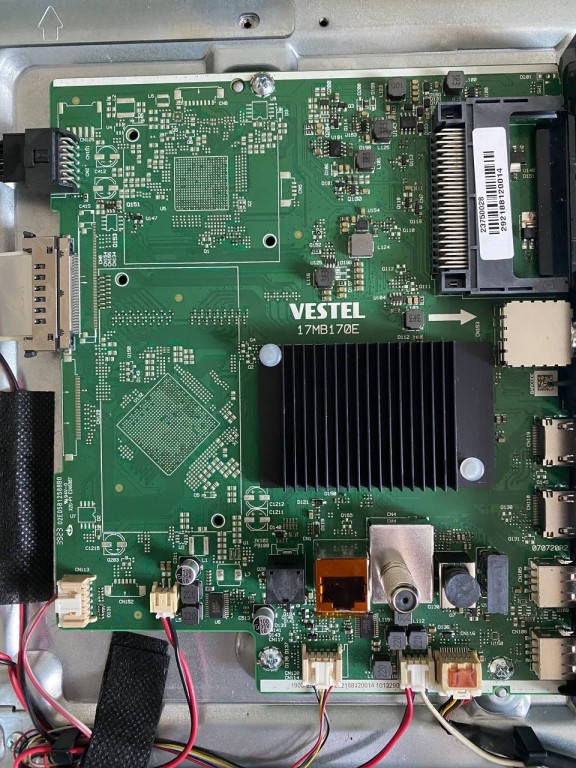
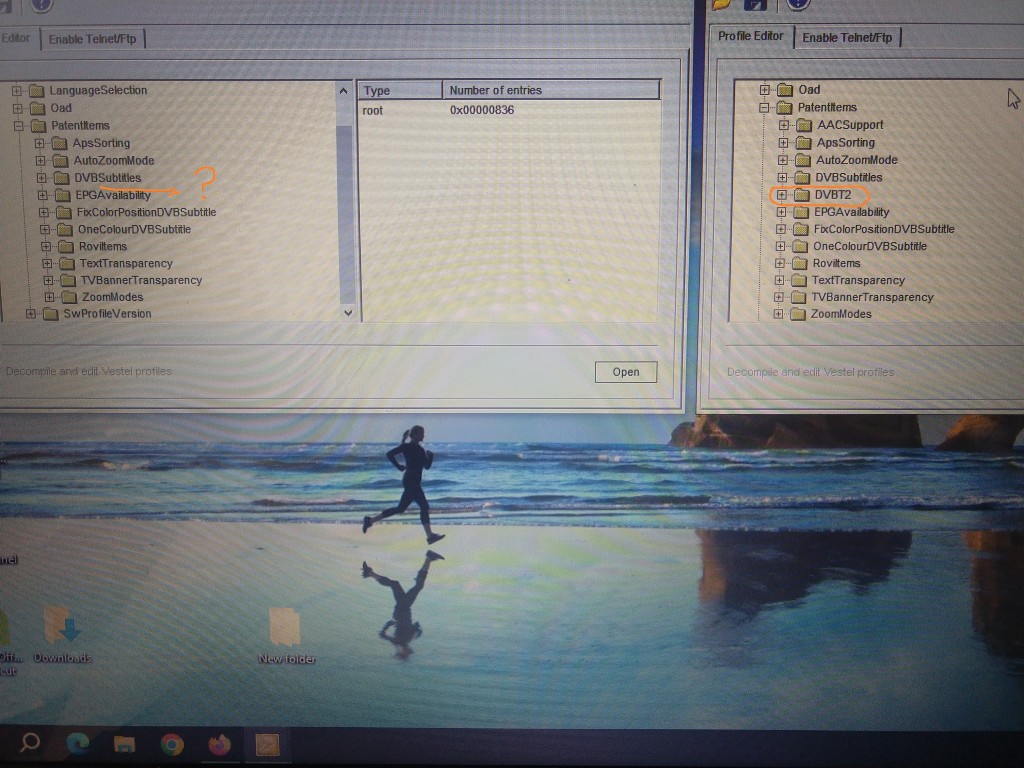
In the profile saved from the TV, there is NO DVB-T2 function. I don't know what software was rewritten. I have a profile saved from 17MB97 with this function active. You can copy swprofile to the TV. At your own risk.Ziyaretçiler için gizlenmiş link,görmek için Giriş yap veya üye ol.
Unzip. Folder on stick. USB Operations/ ok. Turn off the TV and turn it on when the STBY LED stops blinking.
Ziyaretçiler için gizlenmiş link,görmek için Giriş yap veya üye ol.
Son düzenleme:
I don't have anything in the archive that can help you.Hello, guys! Sorry, I don't speak your language.
Someone replaced the mainboard in this TV. It was working well, but when I launched the built-in YouTube app, stripes would appear, the TV would freeze and then reboot. I flashed the first firmware I could find with a similar panel — from a Daewoo 55DM54UA (17MB170, VES550QNDH-N2). Now the image is doubled and stretched. Please help me with the correct file if possible!
MSmaster7000
Yeni Üye
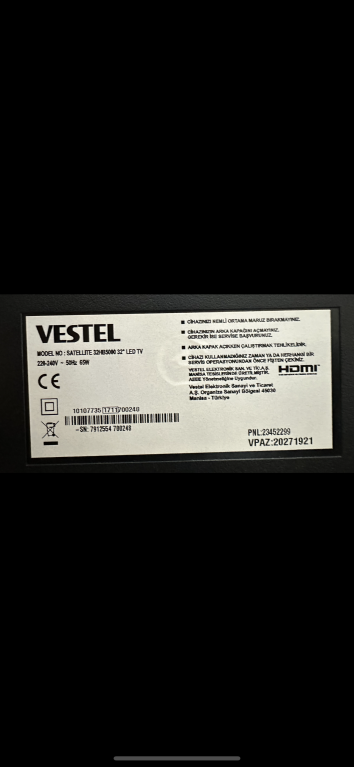
Teşekkür ederim efendim, fakat maalesef DVB_T2 çalışmadı.
Ok, thank you!I don't have anything in the archive that can help you.
Another update — I found an old mainboard! With it, the TV does boot up, but the buttons almost don’t respond, I can’t access the menu or the service menu, and it behaves poorly. It constantly shows the message: “Memory full.”
If you remember, for Chinese mainboards there used to be a small file — around 17KB — that would force the TV into recovery mode and perform a hard reset.
Is there something similar available for our platform? Thanks!


bildirim çanından kurtarma yazılımına ulaşabilirsin.Selam. Vestel 32HB5000 televizyonum açılmıyor kendi kendine reset atıyor. Kurtarma yazılımı talep edebilir miyim
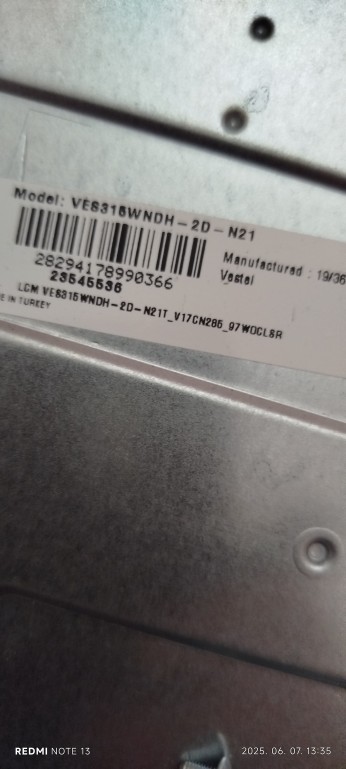
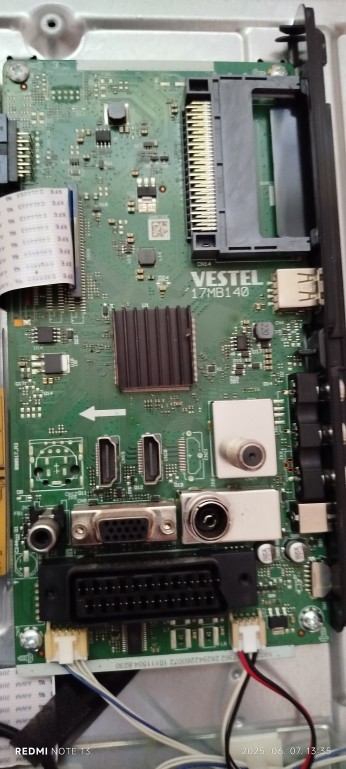
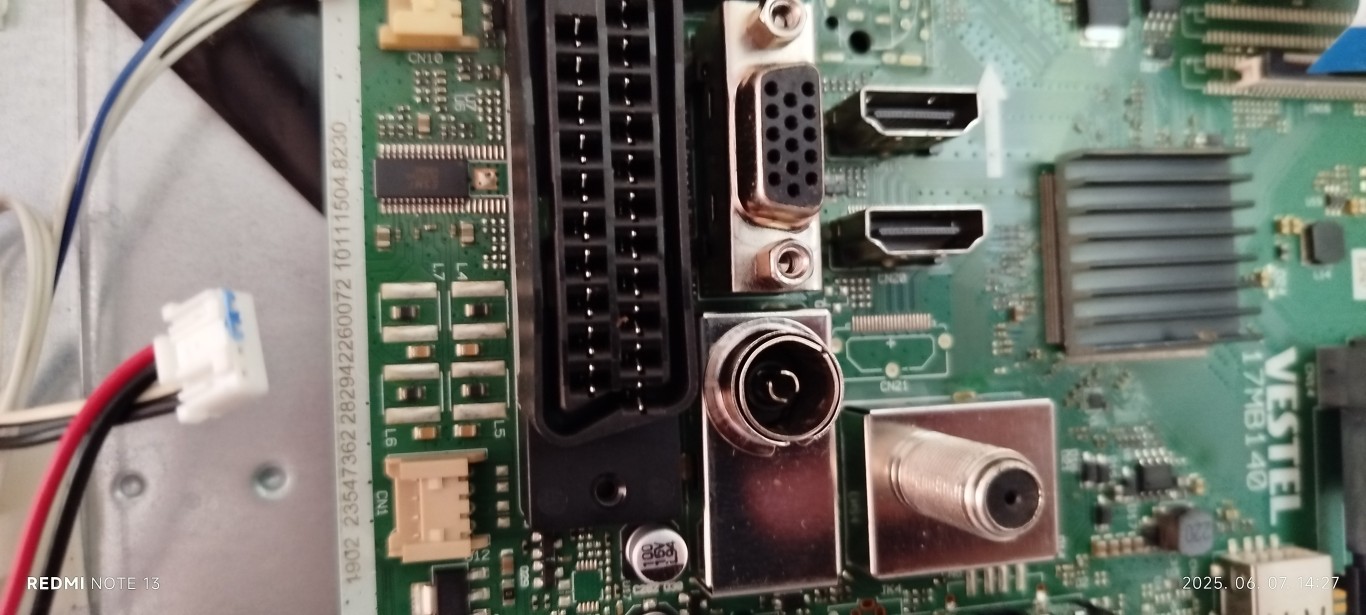
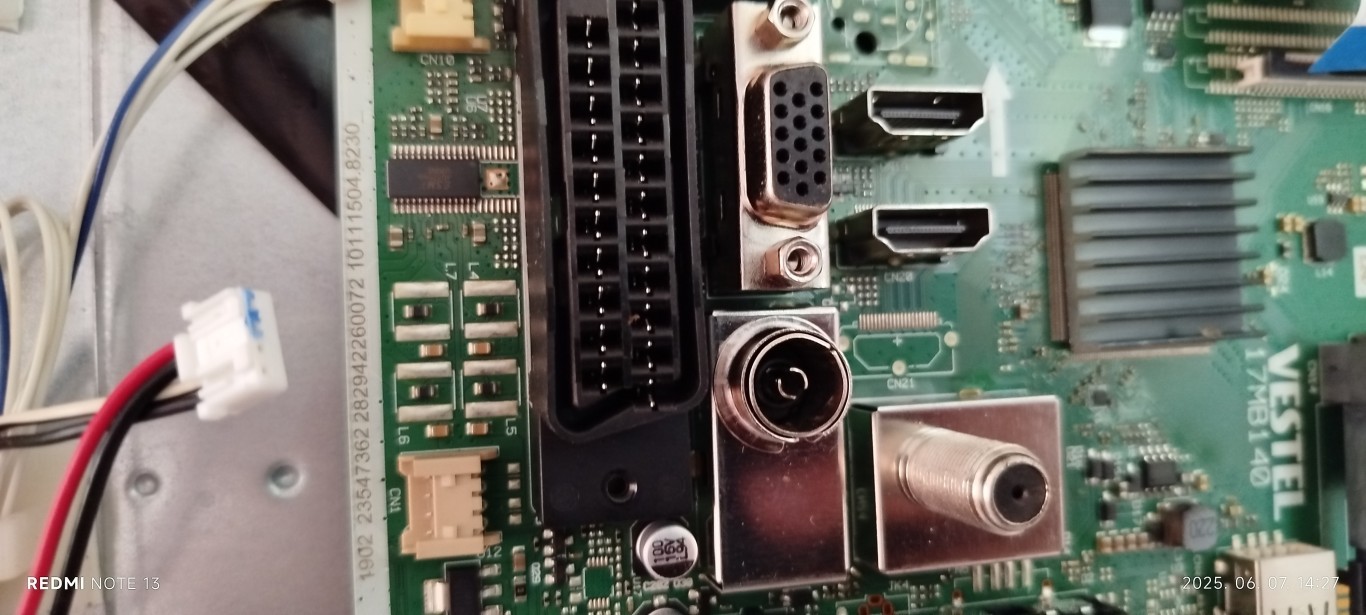
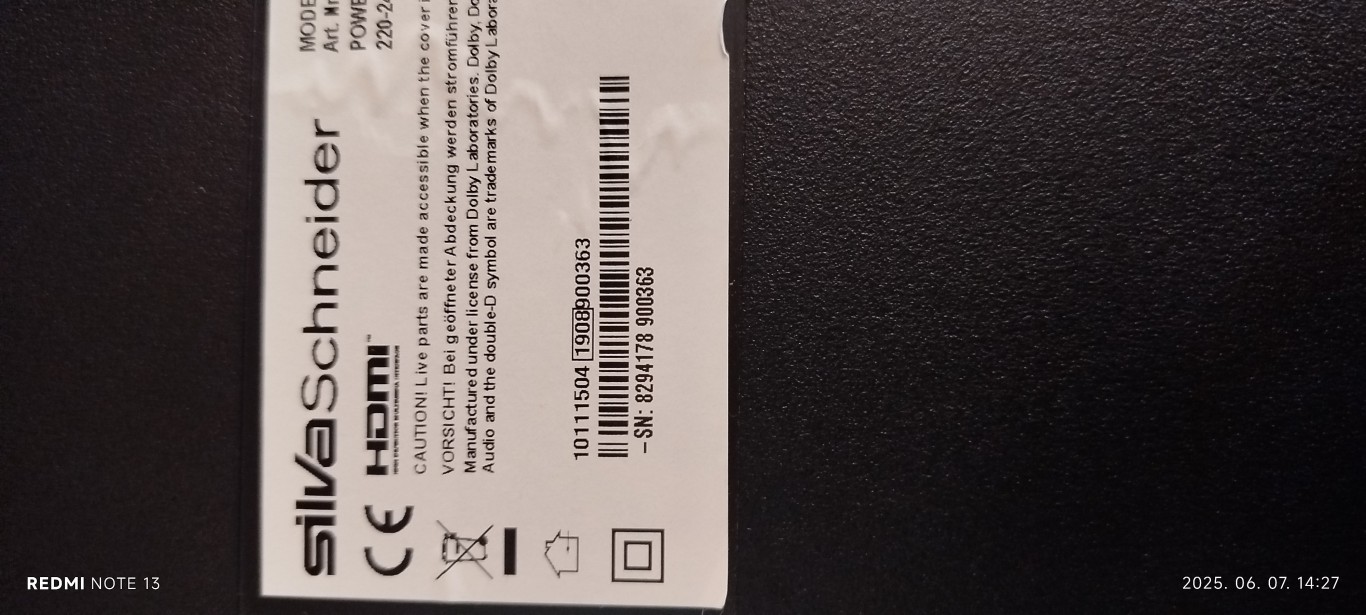
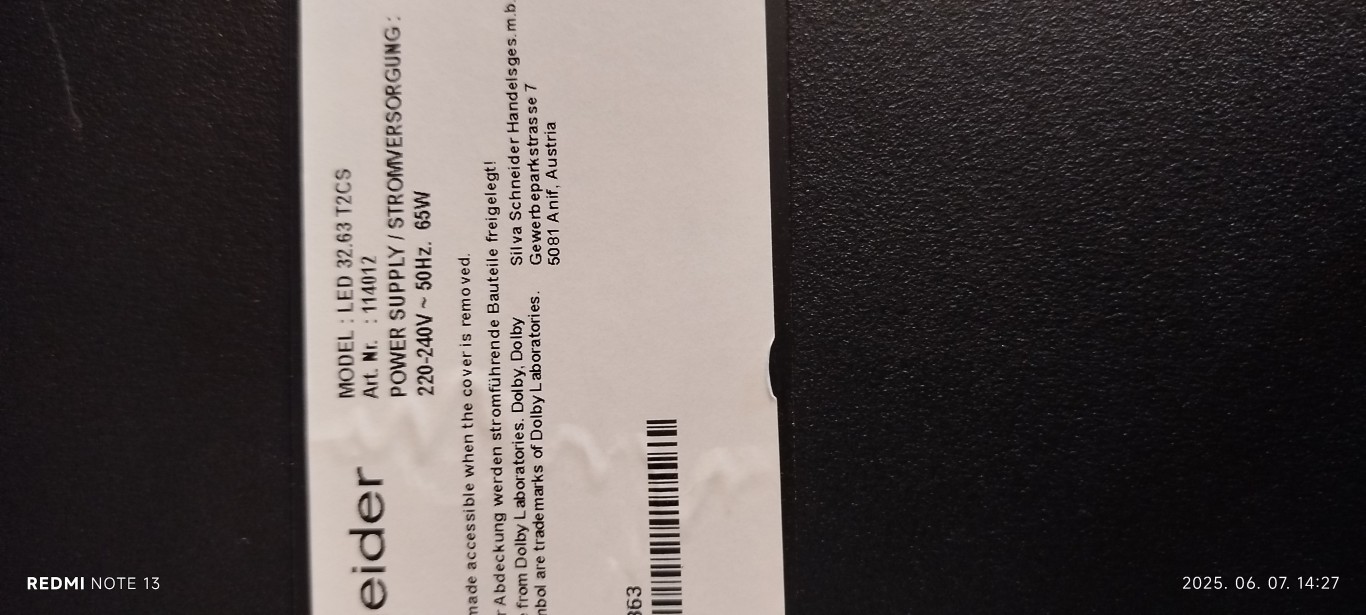
"Ne yazık ki televizyon uzaktan kumandaya yanıt vermiyor!"Merhaba!
Ne yazık ki televizyon uzaktan kumandaya yanıt vermiyor!
Kurtarma yazılımına ihtiyacım var.
Çok teşekkür ederim!
How do you install the software if the remote control is inactive? You need the OK key on the remote control.
Televizyon uzaktan kumandayı algılıyor ancak işlemi gerçekleştirmiyor!"Ne yazık ki televizyon uzaktan kumandaya yanıt vermiyor!"
How do you install the software if the remote control is inactive? You need the OK key on the remote control.
Bekleme LED'i yanıp sönmeye devam ediyor!
Tam yazılıma ihtiyacım var!
Çok teşekkür ederim!
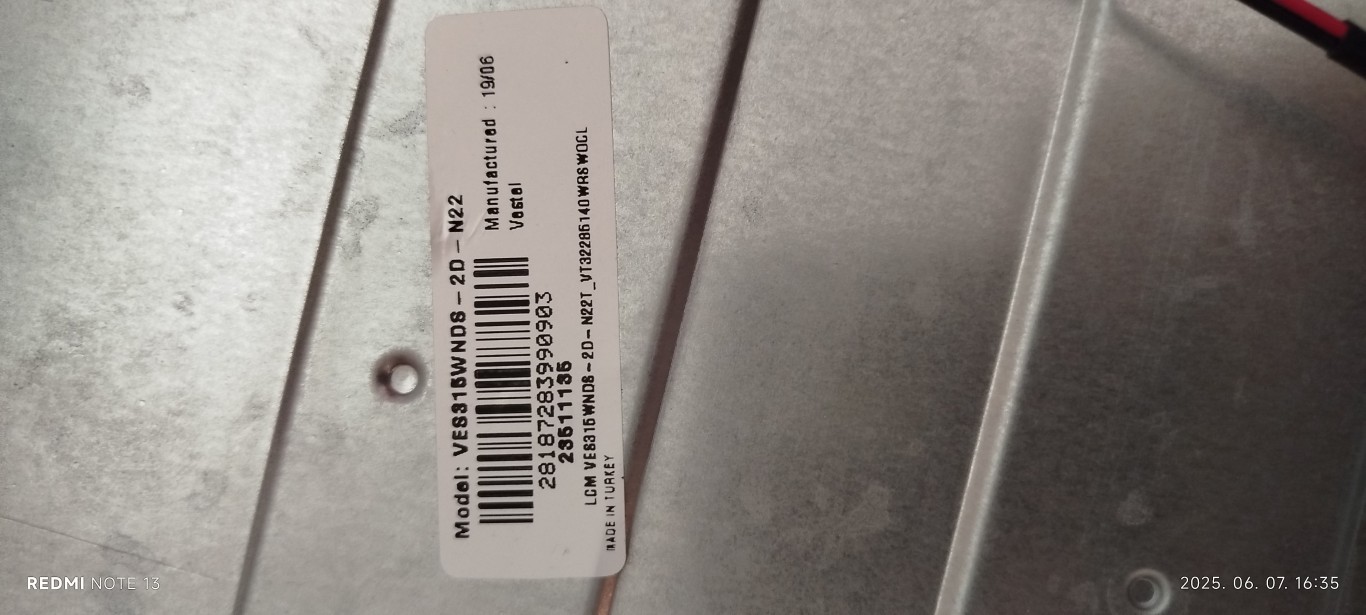
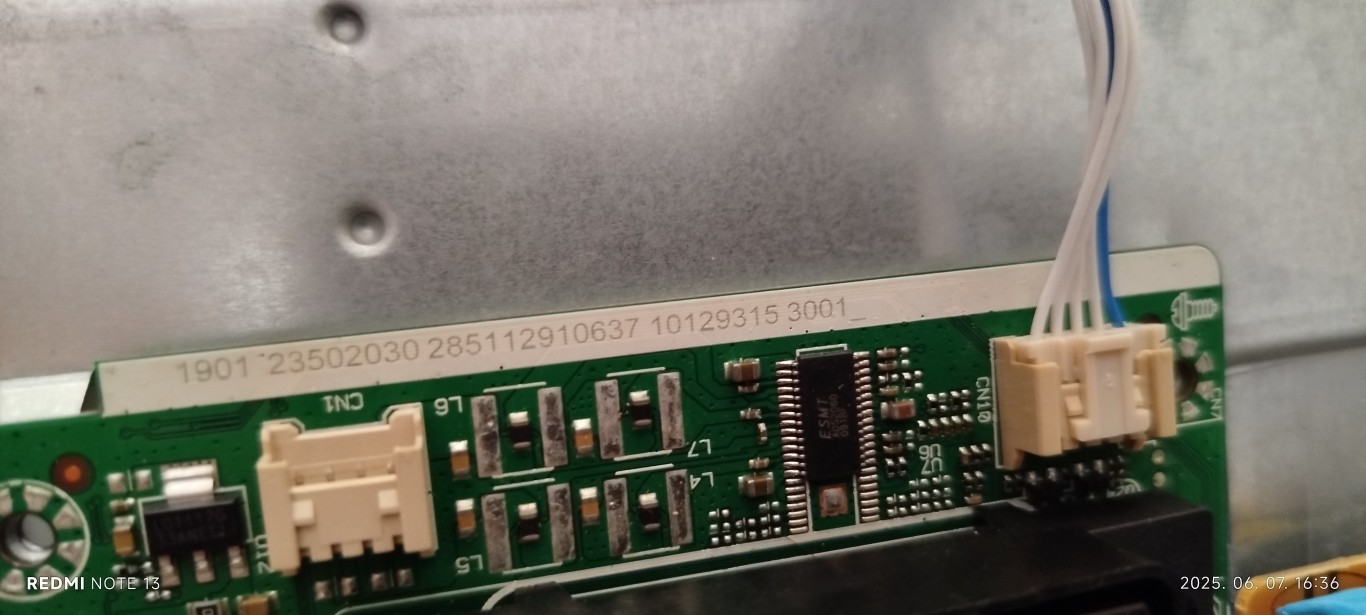
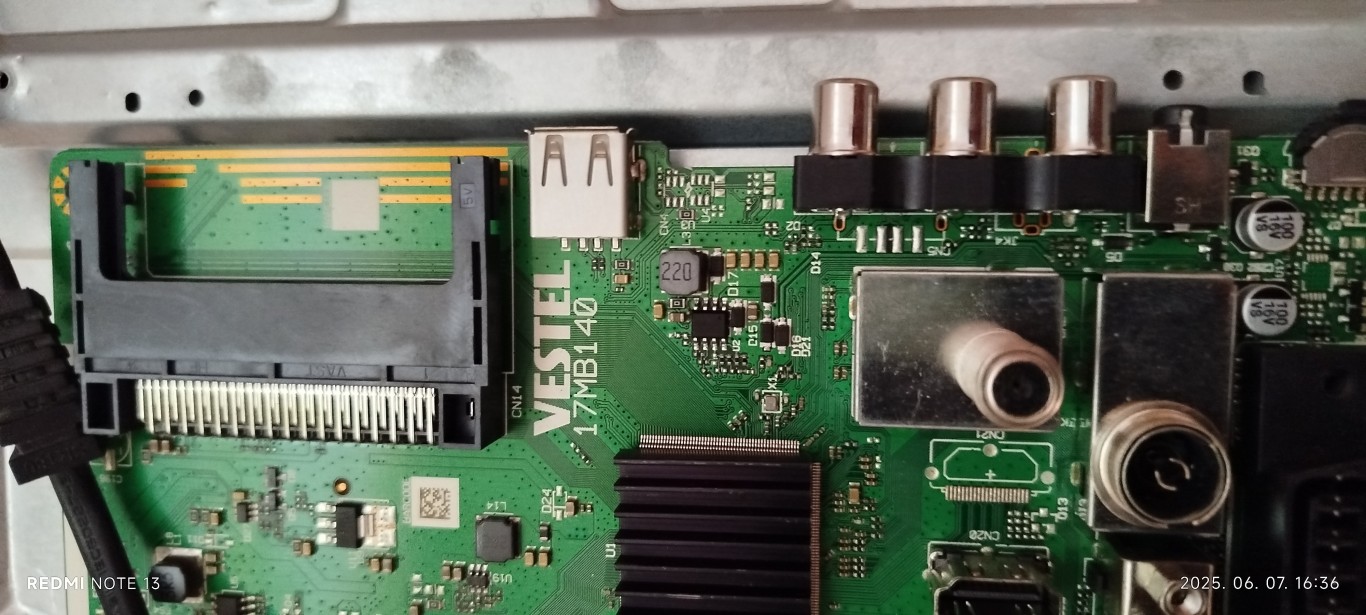
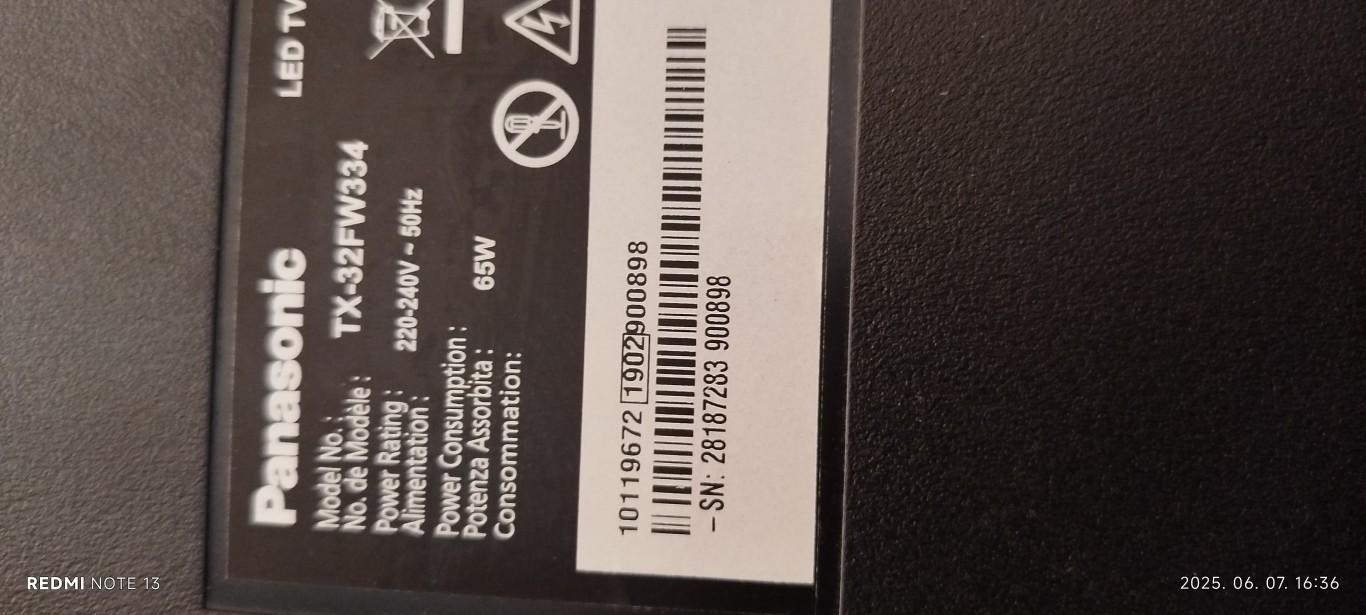
Son düzenleme:
Hello everyone,
I have an Edenwood ed4300uhd TV on the inside label it's a 17MB120 with a VES430QNDL-2D-U11 screen I updated it with the MB120_OEM_TOS.zip firmware which turned it into a Toshiba and the screen into a VES490QNEL-2D-U1. It worked fine, no problem, except that I wanted to update it again to a more recent version, but unfortunately I think I put in the wrong firmware, so I crashed the motherboard.
I tried to get the TV working again but without success: the red LED flashes and when you press the ok button on the remote control it reacts and flashes quickly but nothing happens afterwards. I've tried with 3 different USB sticks but I don't think they're detected by the TV anymore.
If anyone has an idea that I can try, I'm running out of ideas.
Thanks
I have an Edenwood ed4300uhd TV on the inside label it's a 17MB120 with a VES430QNDL-2D-U11 screen I updated it with the MB120_OEM_TOS.zip firmware which turned it into a Toshiba and the screen into a VES490QNEL-2D-U1. It worked fine, no problem, except that I wanted to update it again to a more recent version, but unfortunately I think I put in the wrong firmware, so I crashed the motherboard.
I tried to get the TV working again but without success: the red LED flashes and when you press the ok button on the remote control it reacts and flashes quickly but nothing happens afterwards. I've tried with 3 different USB sticks but I don't think they're detected by the TV anymore.
If anyone has an idea that I can try, I'm running out of ideas.
Thanks
Son düzenleme:
You rewrote Toshiba software. I'll give you another Toshiba with the same main and the same panel.Hello everyone,
I have an Edenwood ed4300uhd TV on the inside label it's a 17MB120 with a VES430QNDL-2D-U11 screen I updated it with the MB120_OEM_TOS.zip firmware which turned it into a Toshiba and the screen into a VES490QNEL-2D-U1. It worked fine, no problem, except that I wanted to update it again to a more recent version, but unfortunately I think I put in the wrong firmware, so I crashed the motherboard.
I tried to get the TV working again but without success: the red LED flashes and when you press the ok button on the remote control it reacts and flashes quickly but nothing happens afterwards. I've tried with 3 different USB sticks but I don't think they're detected by the TV anymore.
If anyone has an idea that I can try, I'm running out of ideas.
Thanks
Full software:
Ziyaretçiler için gizlenmiş link,görmek için Giriş yap veya üye ol.