Yazılım verildi bildirimi kontrol edin yükleme talimatını uygulayın.Merhaba,
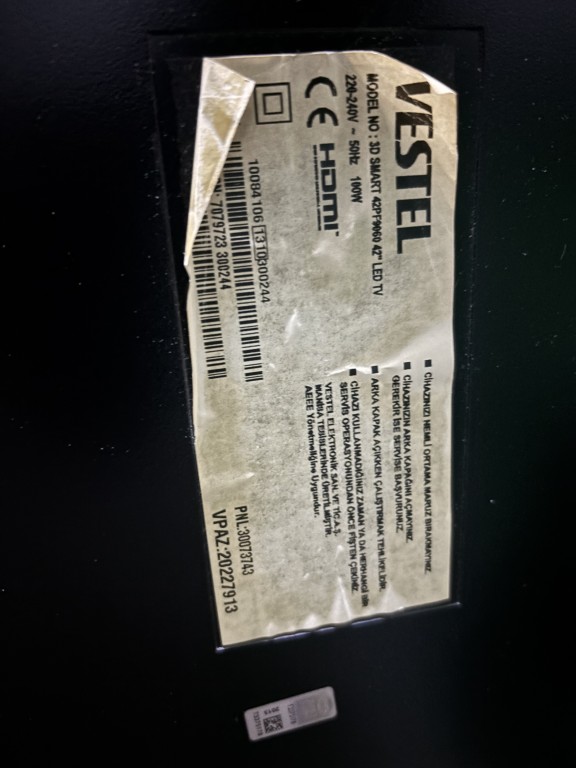
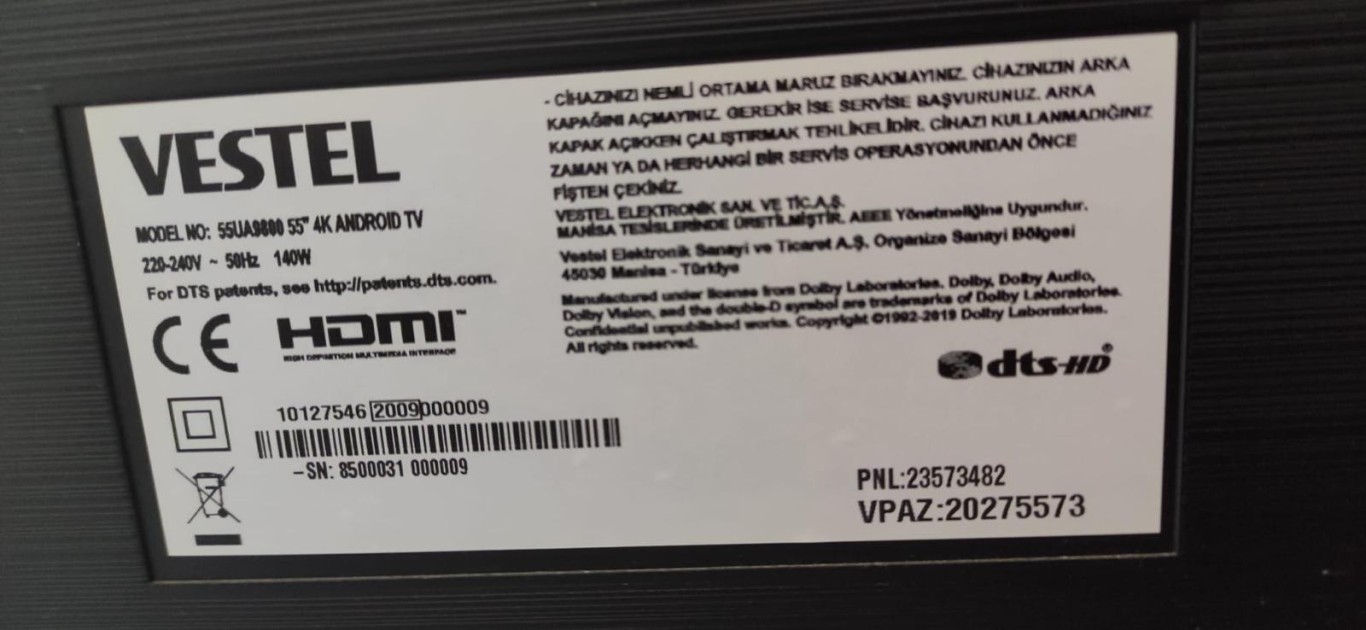
42PF9060 Vestel ürün Vestel yazısı geldikten sonra hemen gidiyor ve o şekilde kalıyor arka etiket görselini ekliyorum. Yazılım konusunda desteğinizi rica ederim.
Teşekkürler


Çok eski bir web tarayıcısı kullanıyorsunuz. Bu veya diğer siteleri görüntülemekte sorunlar yaşayabilirsiniz..
Tarayıcınızı güncellemeli veya alternatif bir tarayıcı kullanmalısınız.
Tarayıcınızı güncellemeli veya alternatif bir tarayıcı kullanmalısınız.
Önemli VESTEL Üretimi tüm ürünler için FULL yazılım talep konusu
- Konuyu Başlatan By_Trol
- Başlangıç tarihi
Panel diagnoticsde görünen panel bilgisi değişti bu dosya ile ancak görüntü maalesef çift olarak devam ediyor.*** Gizli metin: alıntı yapılamaz. ***
Tv modelimin forumda bulunan dosyası maalesef upgrade_error verip işleme devam etmiyor. KKTC'de olduğumuz için burada servis imkanımız da çok kısıtlı ve kendimiz çözüm bulmaya çalışıyoruz.
Başka önerebileceğiniz yöntem veya dosya var mıdır?
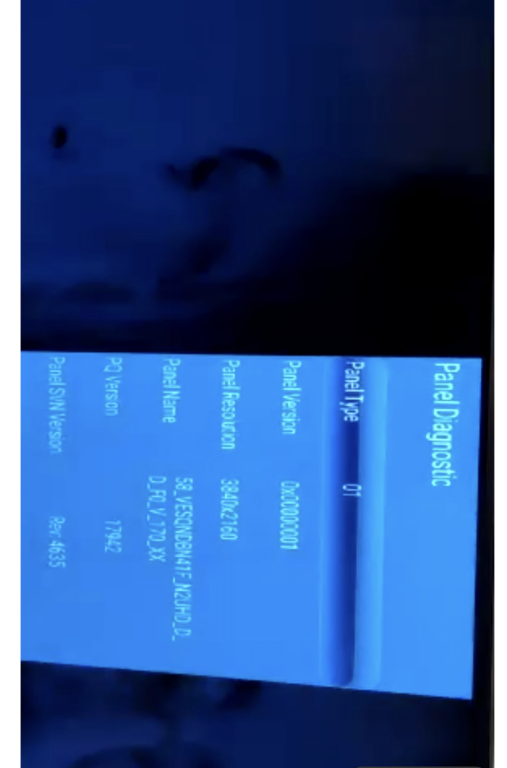
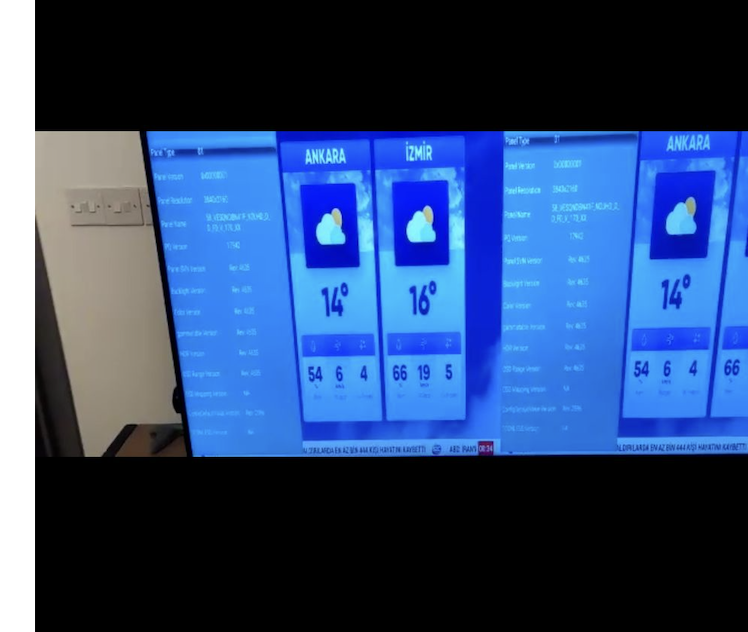

Panel diagnoticsde görünen panel bilgisi değişti bu dosya ile ancak görüntü maalesef çift olarak devam ediyor.
Tv modelimin forumda bulunan dosyası maalesef upgrade_error verip işleme devam etmiyor. KKTC'de olduğumuz için burada servis imkanımız da çok kısıtlı ve kendimiz çözüm bulmaya çalışıyoruz.
Başka önerebileceğiniz yöntem veya dosya var mıdır?
Kullanıcılar için gizli metin: mertasl
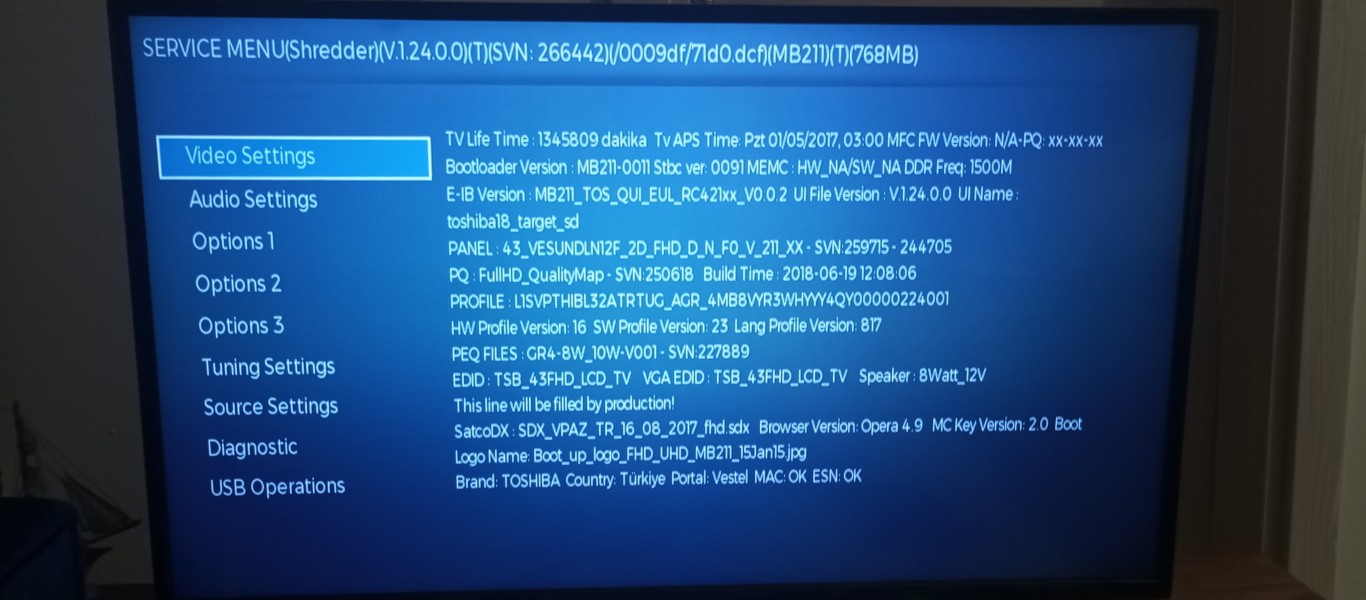
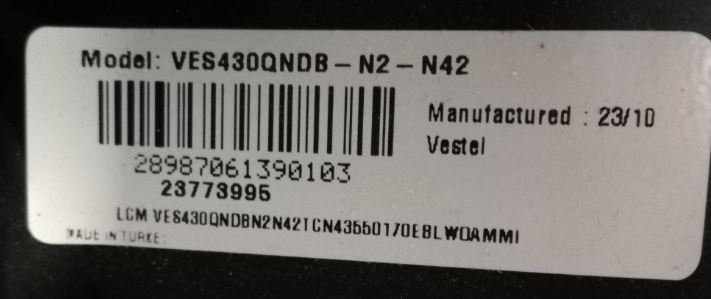
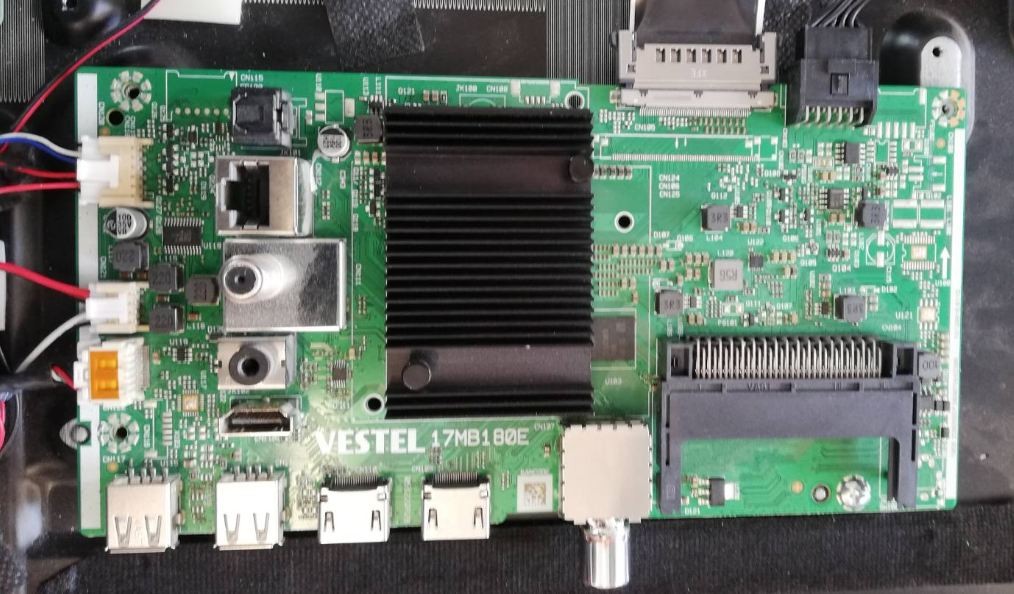
Yazılım verildi bildirimi kontrol edin talimatı uygulayın.Merhaba Toshiba mb211 güncel yazılım dosyası gönderebilir misiniz rica etsem
Merhaba
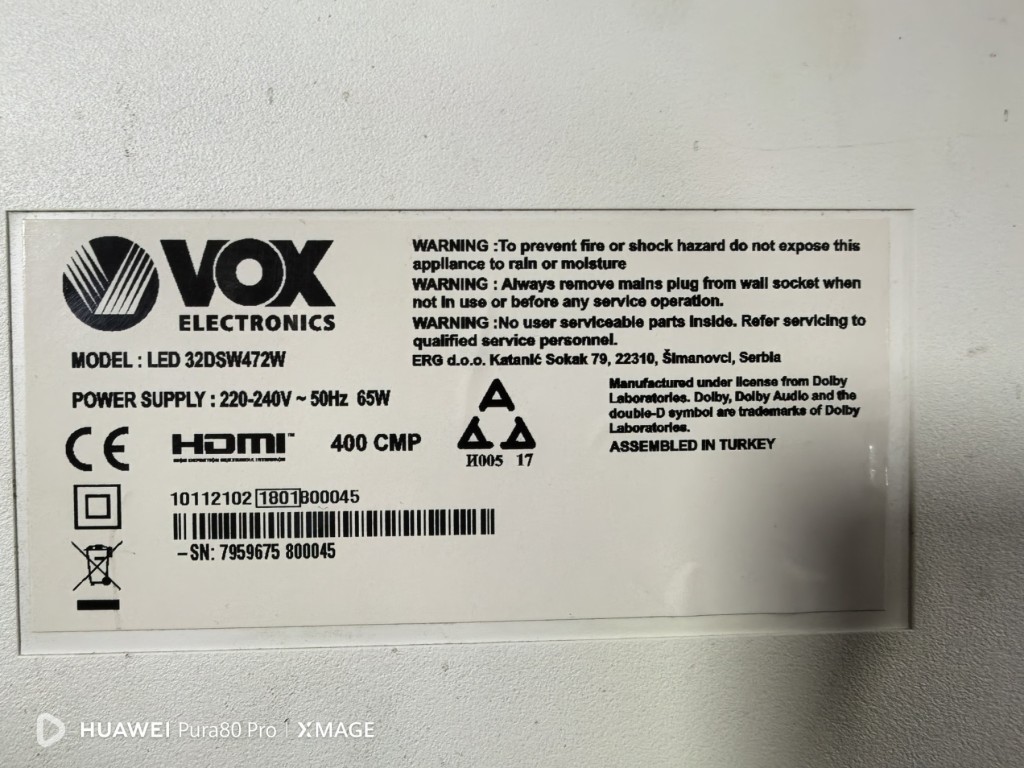
TV VOX 32
MODEL: LED 32DSW472W
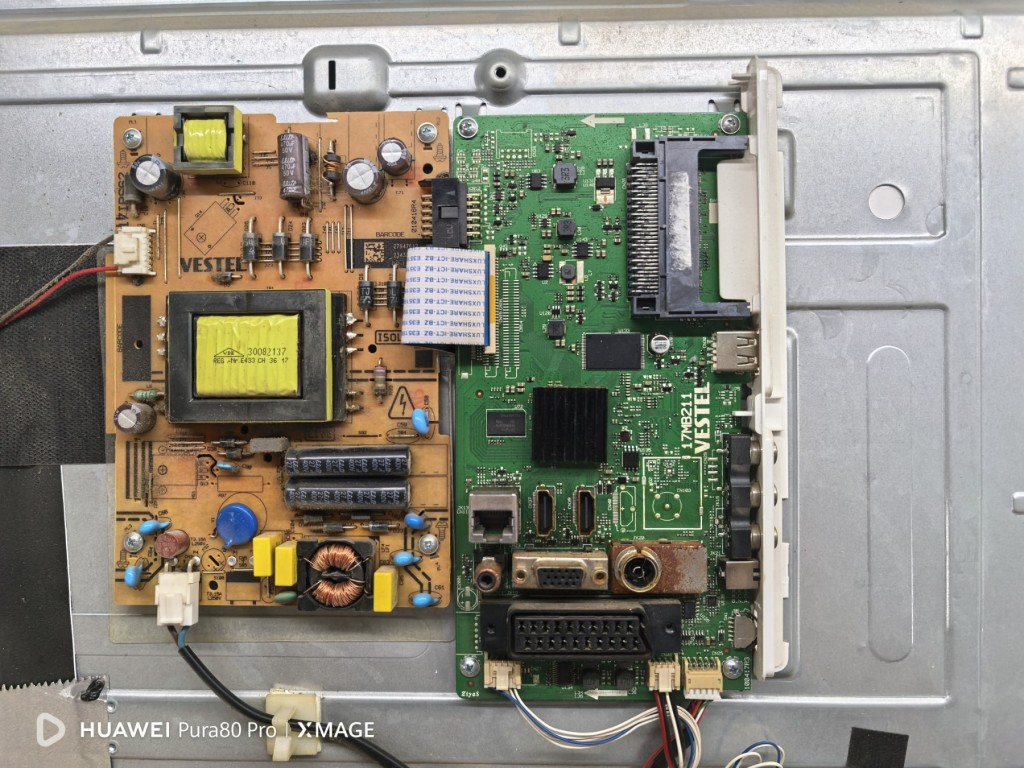
MAINBOARD: 17MB211
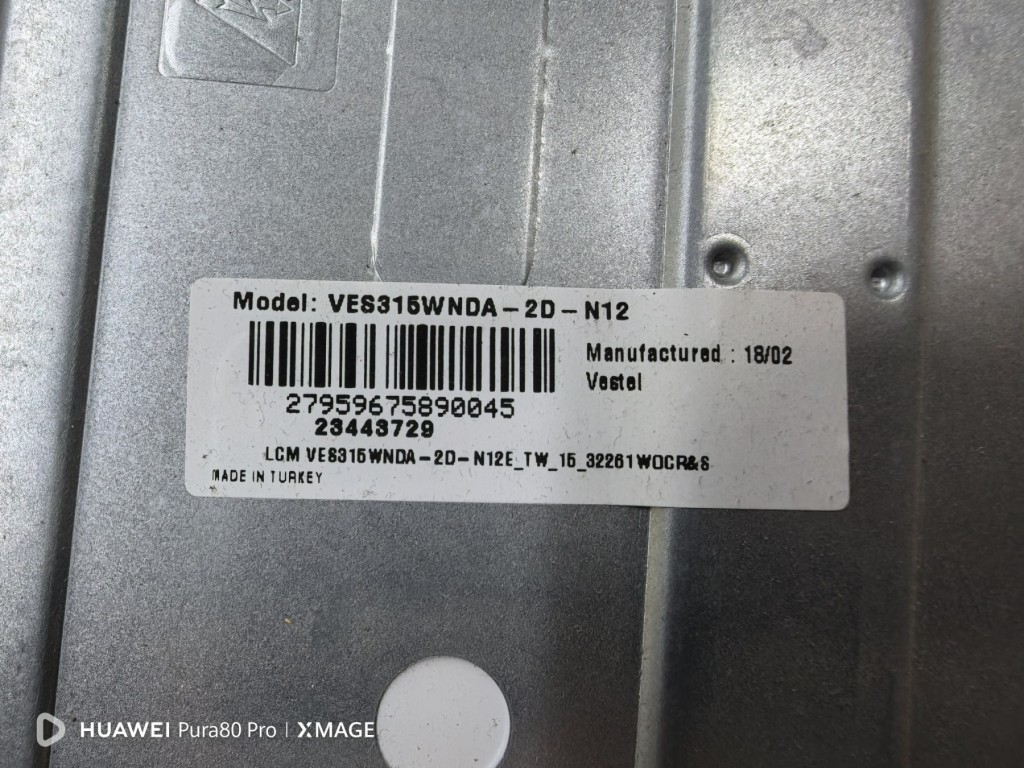
PANEL: VES315WNDA-2D-N12
SMPS: 17IPS62
SERIAL NO. 10112102 1801800045
SN: 7959675 800045
Anakart değiştirildi, her şey çalışıyor, sadece görüntü ters. Servis menüsünden düzeltilebilir mi yoksa USB üzerinden mi yüklenmesi gerekiyor? Teşekkürler.
TV VOX 32
MODEL: LED 32DSW472W
MAINBOARD: 17MB211
PANEL: VES315WNDA-2D-N12
SMPS: 17IPS62
SERIAL NO. 10112102 1801800045
SN: 7959675 800045
Anakart değiştirildi, her şey çalışıyor, sadece görüntü ters. Servis menüsünden düzeltilebilir mi yoksa USB üzerinden mi yüklenmesi gerekiyor? Teşekkürler.
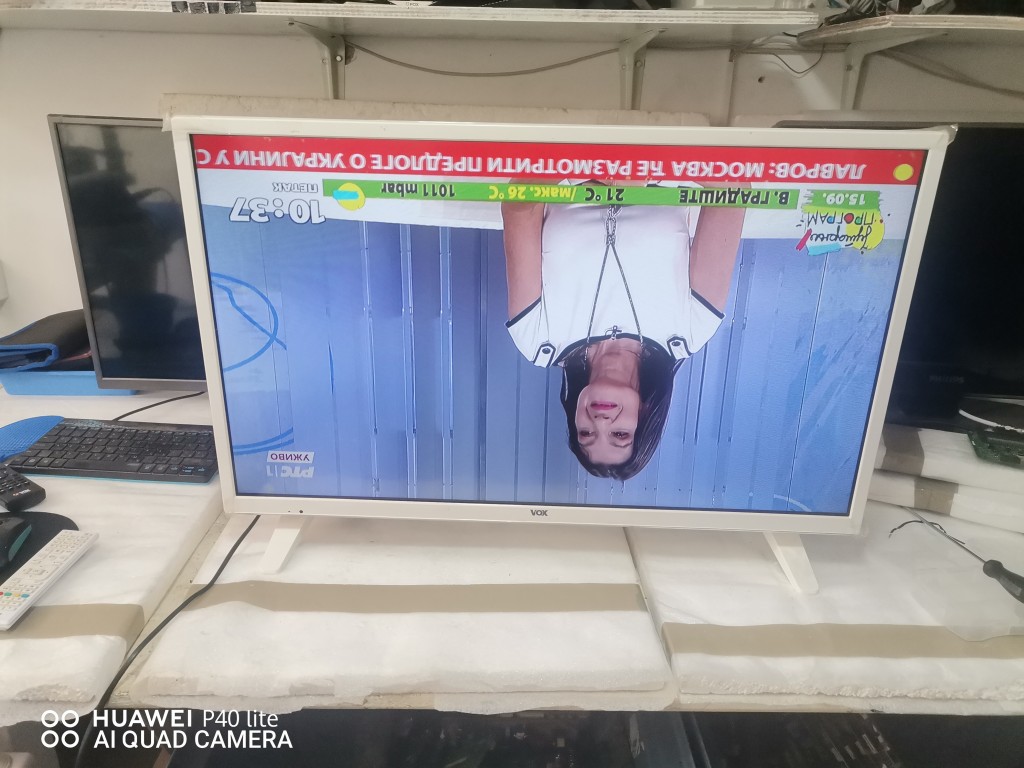
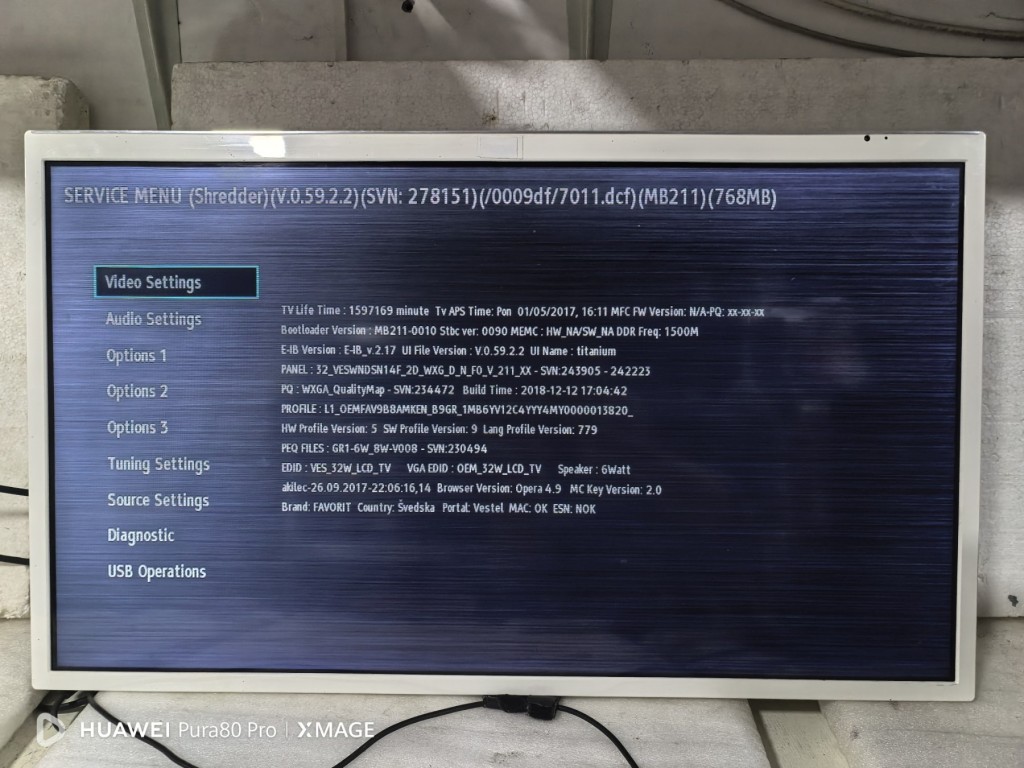

Panel profile:Merhaba
TV VOX 32
MODEL: LED 32DSW472W
MAINBOARD: 17MB211
PANEL: VES315WNDA-2D-N12
SMPS: 17IPS62
SERIAL NO. 10112102 1801800045
SN: 7959675 800045
Anakart değiştirildi, her şey çalışıyor, sadece görüntü ters. Servis menüsünden düzeltilebilir mi yoksa USB üzerinden mi yüklenmesi gerekiyor? Teşekkürler.
Ziyaretçiler için gizlenmiş link,görmek için Giriş yap veya üye ol.
Çıkan "pq" Klasörünü Fat32 olarak biçimlendirilmiş boş bir usb flash bellek içerisine kopyalayın.
Flash belleği tv nin usb giriş portuna takın.
Tv yi çalıştırın görüntü geldikten sonra kumanda üzerinden "MENÜ 4725" Tuşlayın.
En altta bulunan "USB OPERATİONS" Bölümüne inip "OK" Tuşuna basın.
Ekranda çok kısa süreli olarak (Dosya çok küçük olduğu için yükleme anlık olur) "LÜTFEN BEKLEYİNİZ" Yazısı gelir ve gider
TV yi kumanda ile kapatın.
TV yeniden açıldığında görüntü düzelecektir.
Düzelmez ise tv ilk kuruluma dönderilmelidir.
1. Format a stick with FAT32
2. Create a folder called pq on the stick
3. Unzip and put the 2 files in the folder
4. Turn on the TV, USB stick and type MENU 4725
5. Go to USB Operations and type OK on the remote control
6. Wait 10 seconds and exit the menu (return, back)
7. Turn off the TV from the remote control
8. Wait until the stby LED on the TV stops flashing
9. Unplug the TV and wait until the stby light goes out.
10. Take out the stick and turn on the TV.
If the image is not correct, repeat the operation
Son düzenleme:
Teşekkürler, sıfırlama işleminden sonra sorun başarıyla çözüldü.Panel profile:
Zip dosyasına sağ tıklayıp "Buraya çıkart" Seçin.Ziyaretçiler için gizlenmiş link,görmek için Giriş yap veya üye ol.
Çıkan "pq" Klasörünü Fat32 olarak biçimlendirilmiş boş bir usb flash bellek içerisine kopyalayın.
Flash belleği tv nin usb giriş portuna takın.
Tv yi çalıştırın görüntü geldikten sonra kumanda üzerinden "MENÜ 4725" Tuşlayın.
En altta bulunan "USB OPERATİONS" Bölümüne inip "OK" Tuşuna basın.
Ekranda çok kısa süreli olarak (Dosya çok küçük olduğu için yükleme anlık olur) "LÜTFEN BEKLEYİNİZ" Yazısı gelir ve gider
TV yi kumanda ile kapatın.
TV yeniden açıldığında görüntü düzelecektir.
Düzelmez ise tv ilk kuruluma dönderilmelidir.
1. Format a stick with FAT32
2. Create a folder called pq on the stick
3. Unzip and put the 2 files in the folder
4. Turn on the TV, USB stick and type MENU 4725
5. Go to USB Operations and type OK on the remote control
6. Wait 10 seconds and exit the menu (return, back)
7. Turn off the TV from the remote control
8. Wait until the stby LED on the TV stops flashing
9. Unplug the TV and wait until the stby light goes out.
10. Take out the stick and turn on the TV.
If the image is not correct, repeat the operation
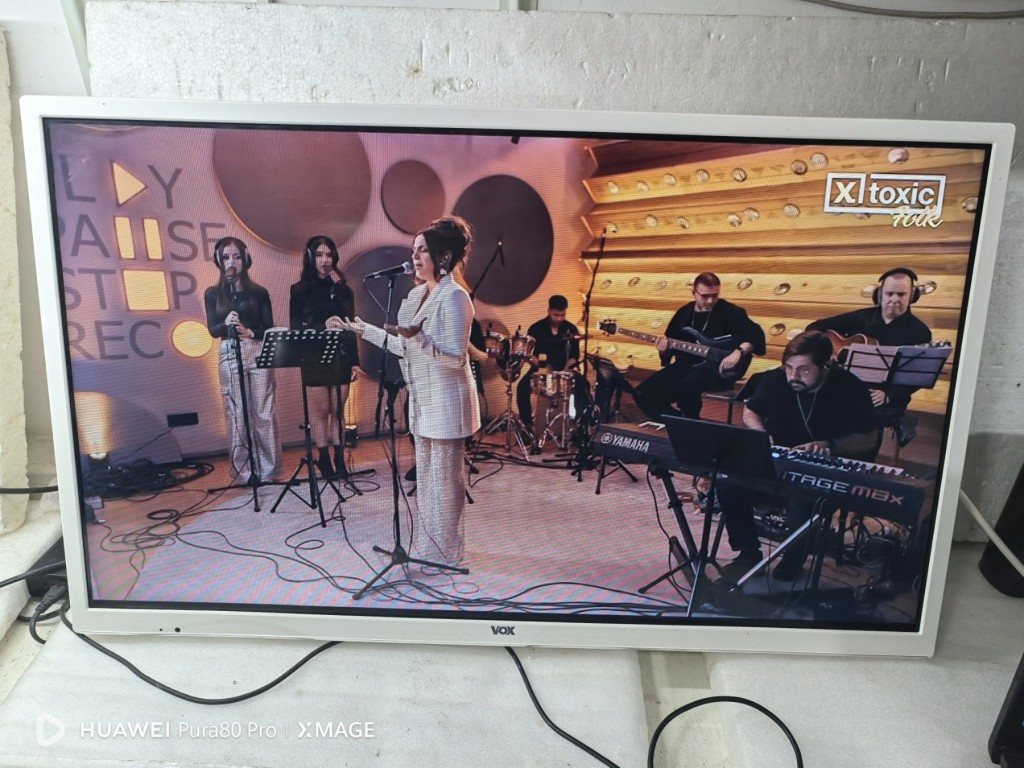
Teşekkürler, sıfırlama işleminden sonra sorun başarıyla çözüldü.


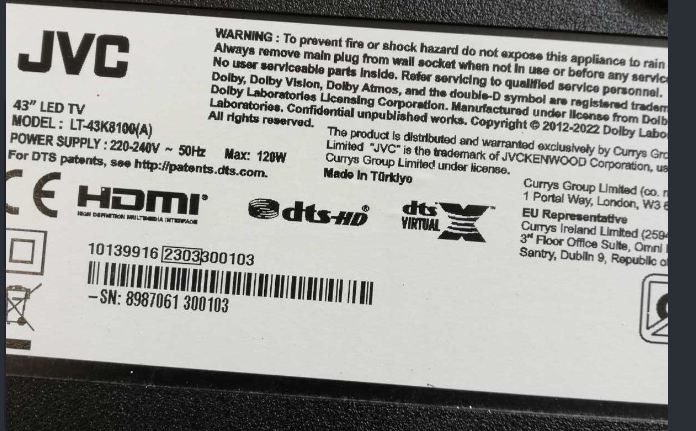
Selam arkadaslarMerhaba Arkadaslar
ekte resimlerini gonderdigim VESTEL uretimi JVC TV icin yazilim lazim.
Tesekkurler
kimsede yok mu bu TV nin yazilimi?
Yokoono usta. Bir el atarmisin
Ne varsa sende var....

Ömer Genç ustam sende var mı.?Merhaba Arkadaslar
ekte resimlerini gonderdigim VESTEL uretimi JVC TV icin yazilim lazim.
Tesekkurler
Selam arkadaslar
kimsede yok mu bu TV nin yazilimi?
Yokoono usta. Bir el atarmisin
Ne varsa sende var....
Kullanıcılar için gizli metin: nasmi.gr
bedirhanel28
Yeni Üye
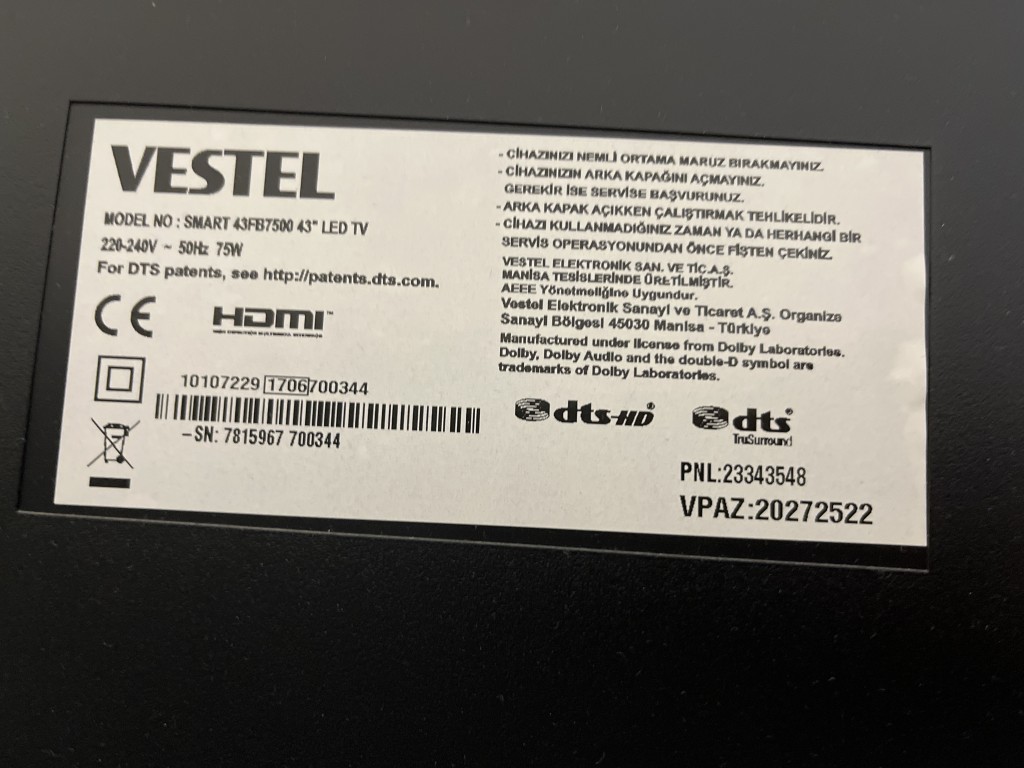
Vestel 43fb7500 tv resetlemeye çalıştım ilk kurulum kısmından tv bozuldu kırmızı ışık yanıp sönüyor görüntü yok fişi çekip taktım olmadı nasıl resetleyecdğim yazılım nerden bulabilirim.
Cihaz bu
Cihaz bu