Panel profile
Ziyaretçiler için gizlenmiş link,görmek için Giriş yap veya üye ol.

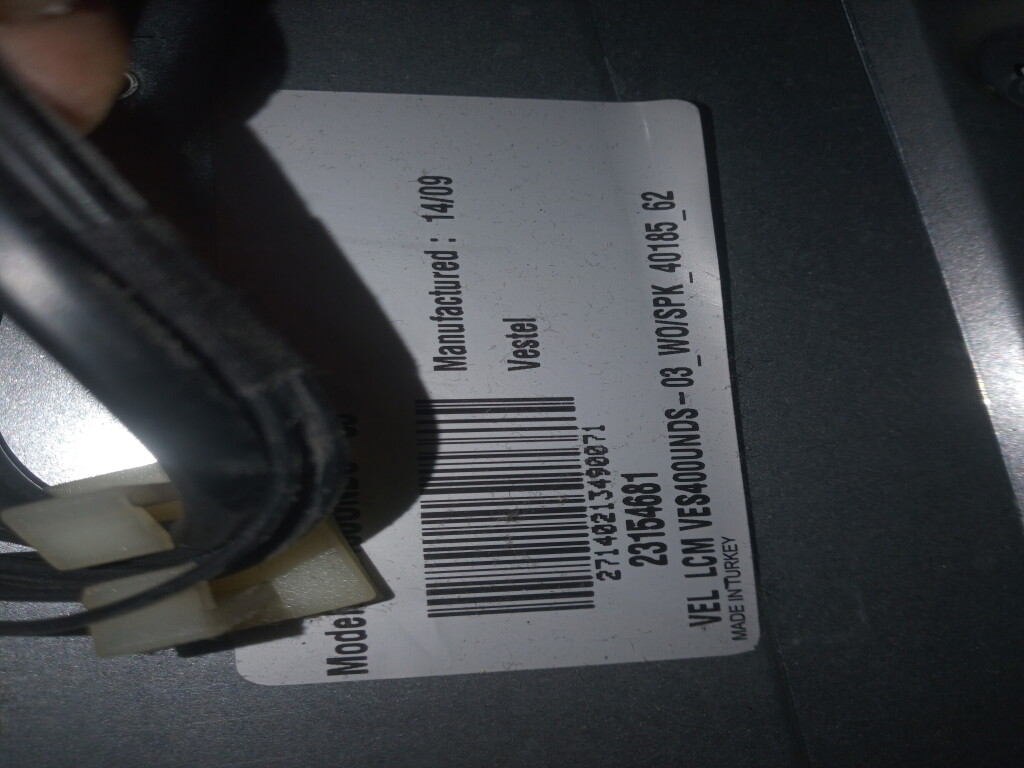
I don't have the software or the panel profile for the 17MB140 and the VES400UNDS-03 panel. You can try it out, though, and see what the image looks like.Merhabalar,
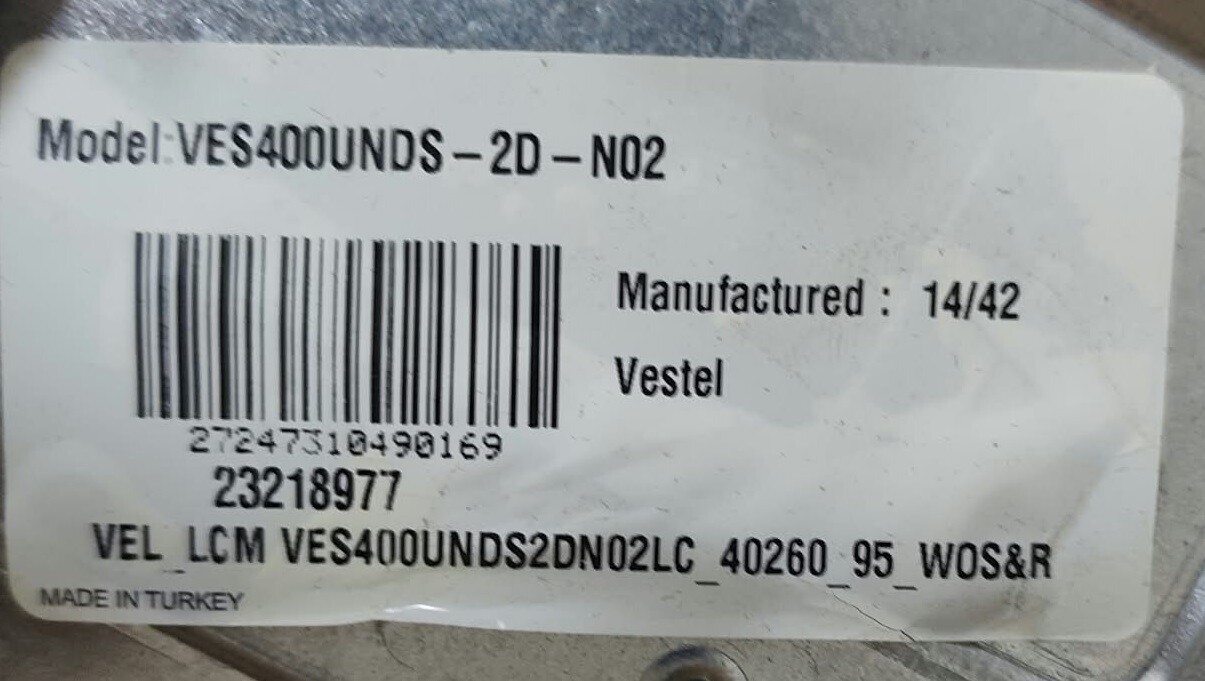
Elimde 17MB82S anakartli, VEL LCM VES400UNDS-03_WO/SPK panelli bir televizyon var. Ben elimdeki MB140`i takacagim. Panel yazilimini televizyondan cekip MB140a gore mi duzeltmem lazim yoksa hazir bir sekilde dosyasi var mi?
I have a TV with a 17MB82S mainboard and VEL LCM VES400UNDS-03_WO/SPK panel. I'm planning to swap it with an MB140 mainboard.
Do I need to dump the panel software from the original board and modify it for the MB140, or is there a ready-made software file available for this panel/mainboard combination?


If possible, proceed as follows:Merhabalar,
Elimde 17MB82S anakartli, VEL LCM VES400UNDS-03_WO/SPK panelli bir televizyon var. Ben elimdeki MB140`i takacagim. Panel yazilimini televizyondan cekip MB140a gore mi duzeltmem lazim yoksa hazir bir sekilde dosyasi var mi?
I have a TV with a 17MB82S mainboard and VEL LCM VES400UNDS-03_WO/SPK panel. I'm planning to swap it with an MB140 mainboard.
Do I need to dump the panel software from the original board and modify it for the MB140, or is there a ready-made software file available for this panel/mainboard combination?
The 12-pin cable between the power board and the mainboard turned out to be the culprit, I couldn't get the TV to turn on. I'll fix it in the coming days and then grab the panel file and share it with you.If possible, proceed as follows:
1. Format a stick with FAT32
2. Create a folder called downloadpq.mb140 on the stick
3. Turn on the TV and type MENU 4725
4. Go to USB Operations and type OK on the remote control
5. After 10 seconds you can remove the USB stick and you will have some files on the stick.
6. You post them here.
OK.The 12-pin cable between the power board and the mainboard turned out to be the culprit, I couldn't get the TV to turn on. I'll fix it in the coming days and then grab the panel file and share it with you.
İki dosyayı —pcf ve ptf— flash sürücüye kopyalayın.merhabalar,ye yazılım attım ekran ters döndü. Yazılımı elinizde varmıdır? Şimdiden teşekkür ederim
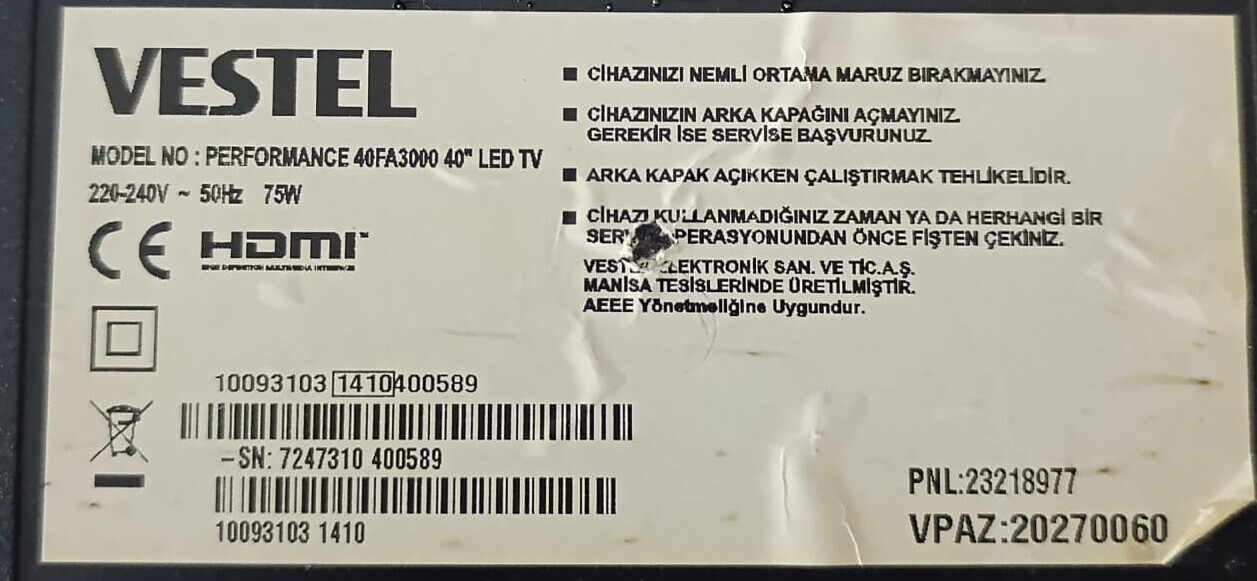
Vestel 40FA3000 17MB82S anakart tv


Teşekkür ederim.İki dosyayı —pcf ve ptf— flash sürücüye kopyalayın.
Panel profile
Zip içeriğini hiçbir klasör içinde olmayacak şekilde USB belleğe kopyalayın. (pqf ve ptf dosyaları)Ziyaretçiler için gizlenmiş link,görmek için Giriş yap veya üye ol.
TV kapalı iken USB belleği takın.
TV' yi açtıktan sonra Menu 4725 ile servis menüsüne giriş yapın.
"USB Operations" sekmesi ile yazılımı yükleyin.
Ekranda "USB Bellek Algılandı" komutu görürseniz kumandadan "Exit" seçeneğini kullanmayın. "Back" butonu ile çıkış yapın.
Yükleme tamamlandığında TV' yi kapatıp açın

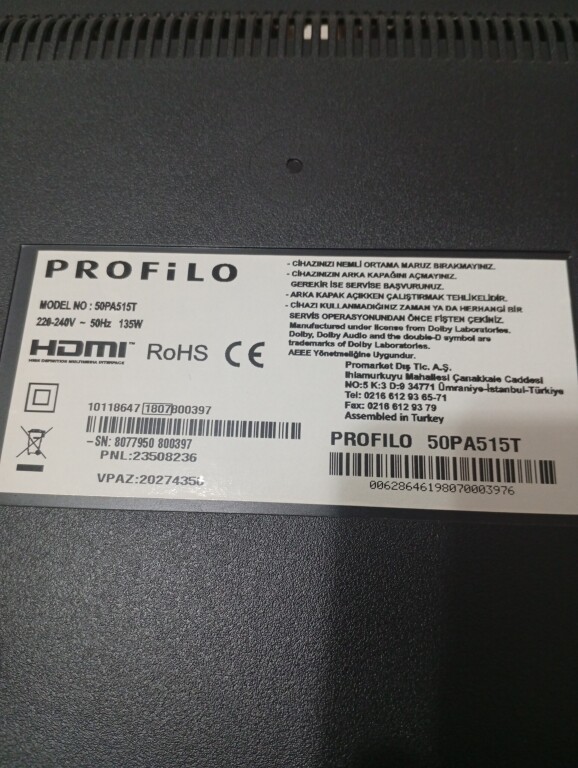
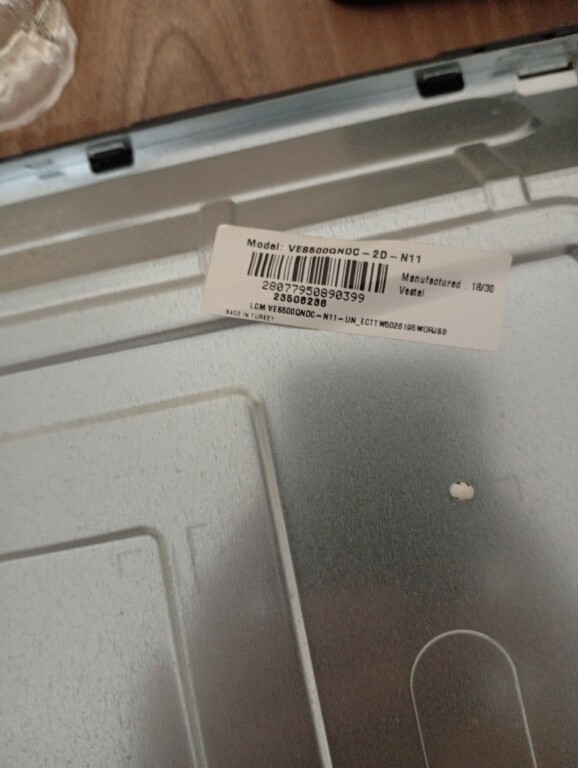
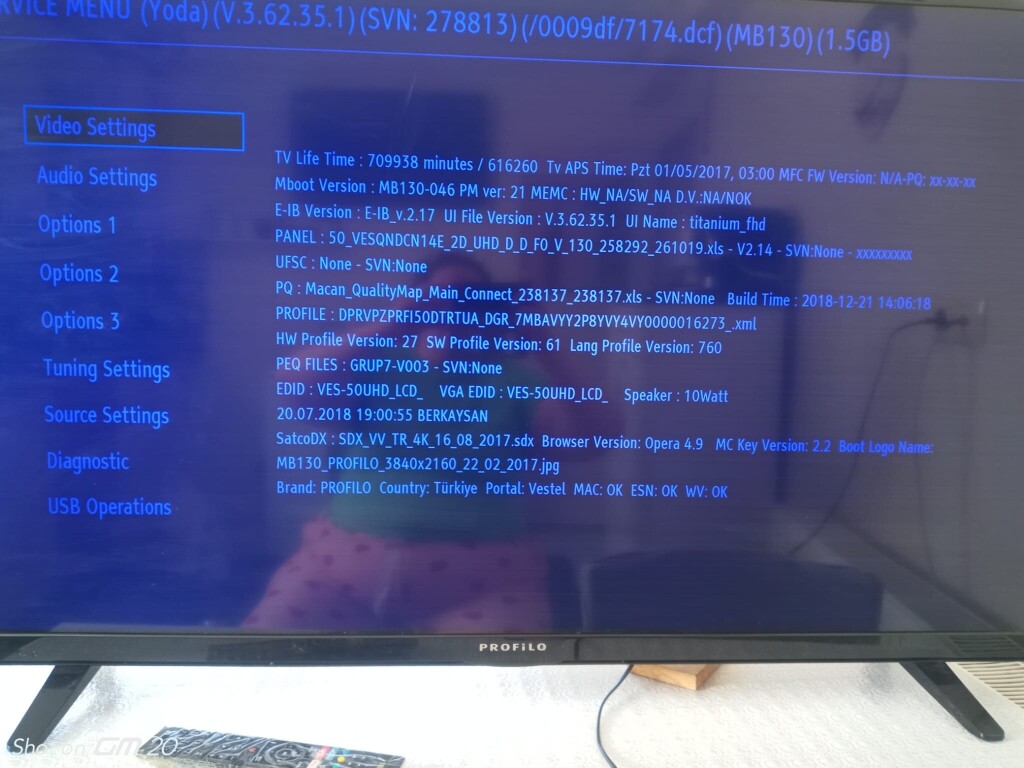
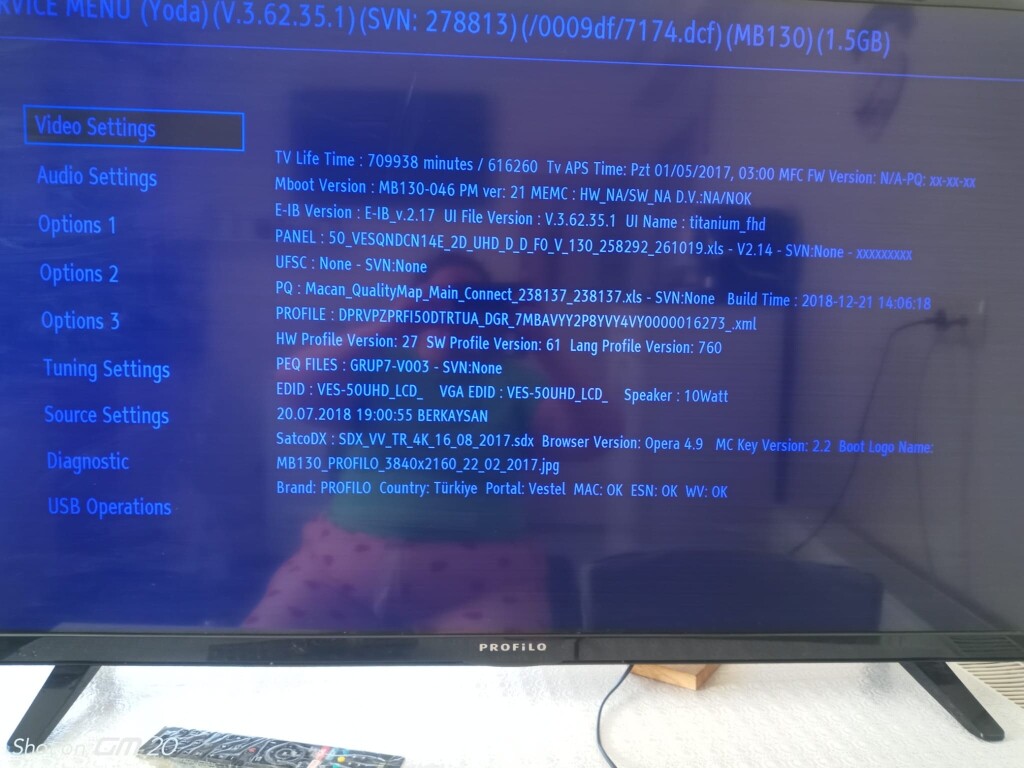
I have this
17MB130S panel VES500QNDC-2D-N11
Menüde 4725 tuşlayın ve fotoğrafı buraya gönderin.