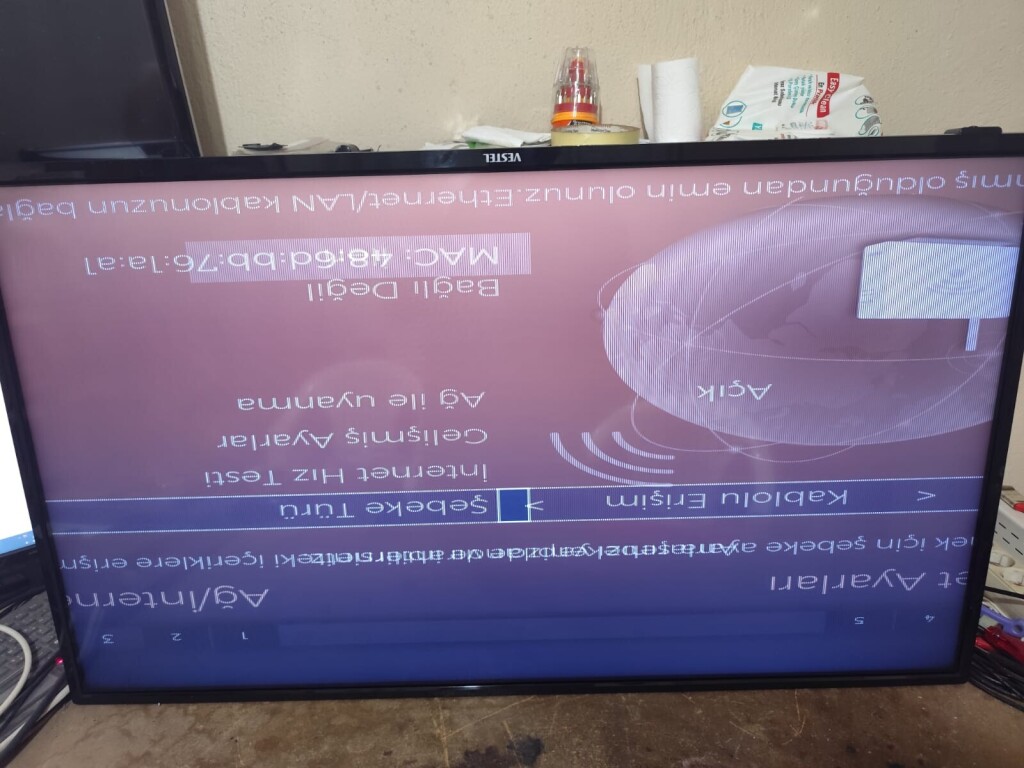
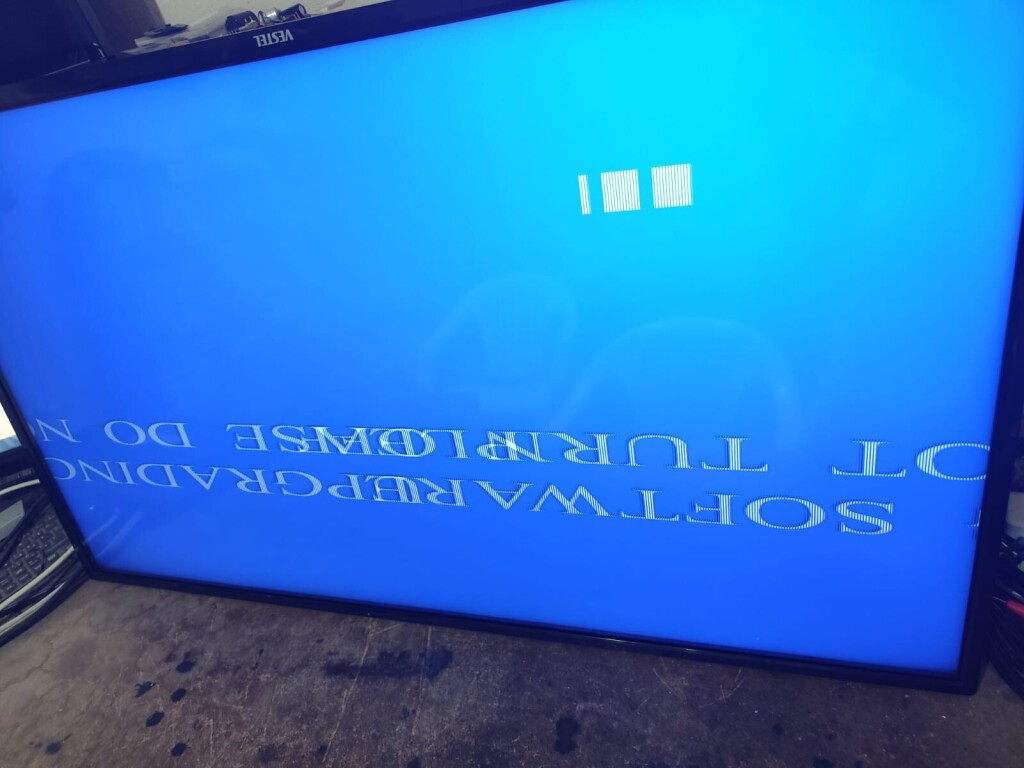
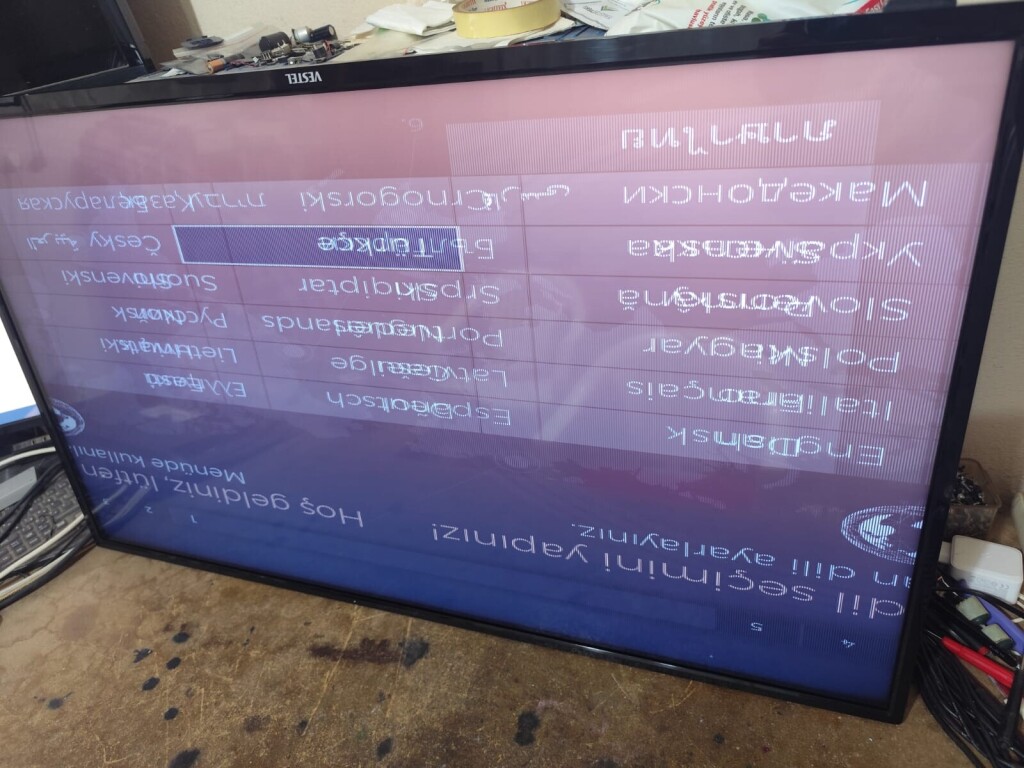
1. Turn on the TV and press the "SOURCE" or "INPUT" button on the remote control.Hello.
I need the FULL USB recovery firmware (MstarUpgrade.bin) for my TV.
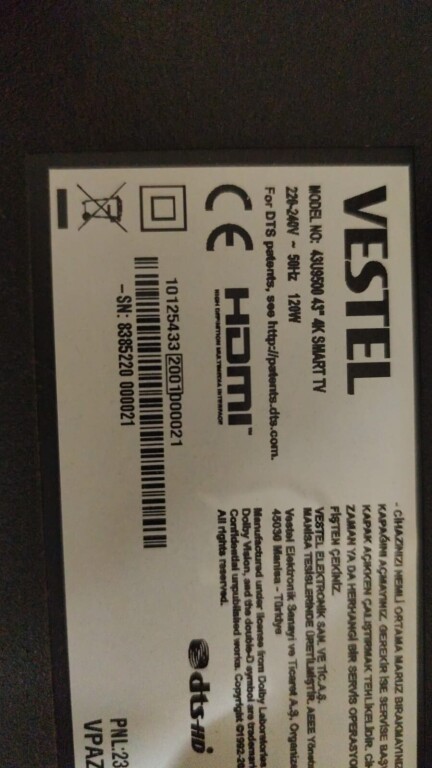
Brand: JVC
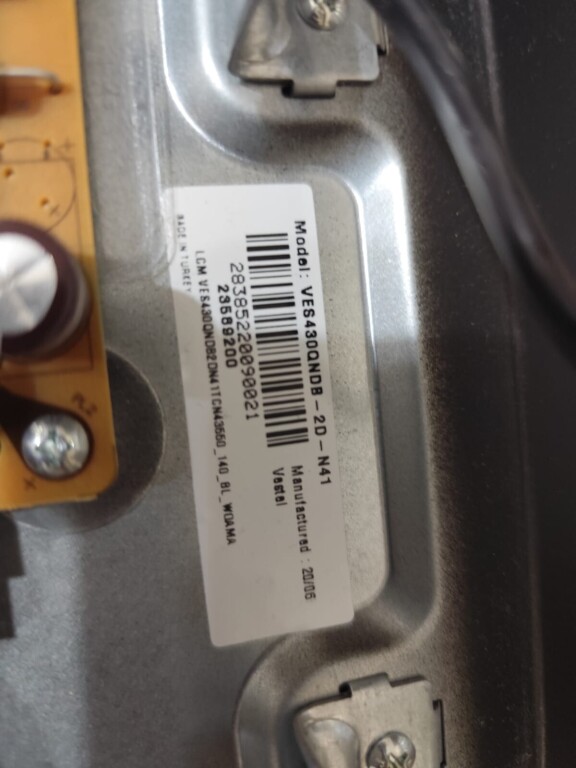
Model: LT-43VA3000
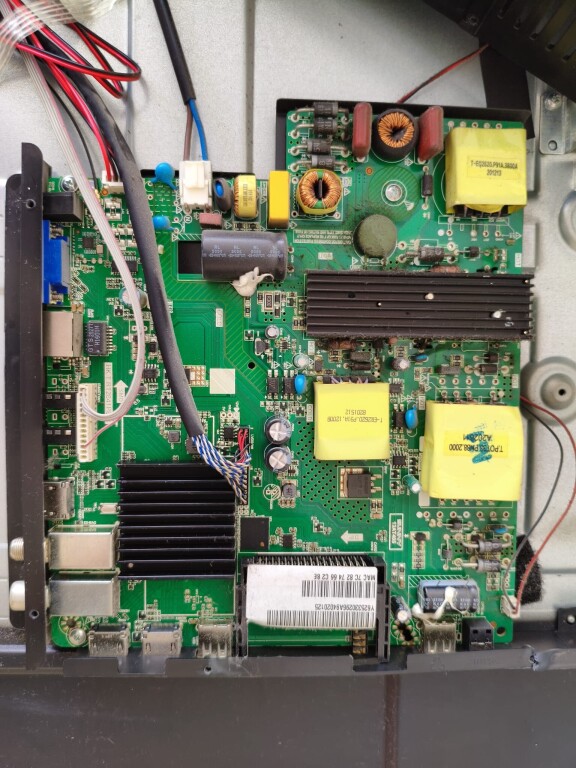
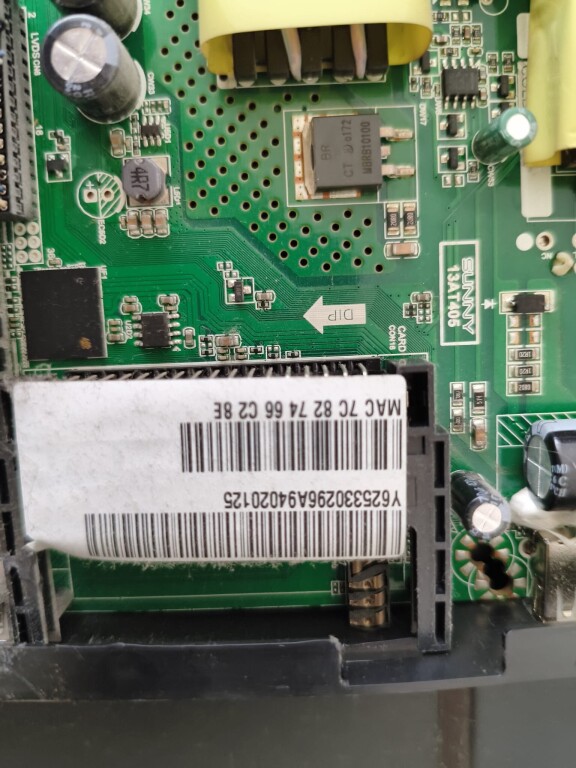
Main board: 17MB170
Panel: VES430QNDA-N2-N42
The TV boots to the JVC logo, then the Android logo, and finally shows a black screen with the message "Storage running out". Safe Mode also does not load.
The TV has never been repaired. The main board is the original 17MB170 and the original panel is VES430QNDA-N2-N42.
I am looking for the FULL USB recovery firmware (MstarUpgrade.bin), not the normal OTA update.
I saw that user sakistech shared the firmware for Bush DLED43UHDSFIRE / 17MB170 / VES430QNDA-N2-N42, but the files.fm link has expired.
Could someone please re-upload the firmware or share another download link?
Thank you very much.
2. Select HDMI1.
3. Press "MENU" on the remote control.
4. The options menu appears.
5. Select "Advanced Options".
6. Enter 4725 on the remote control, and the service menu appears.
7. Select and perform a factory reset.


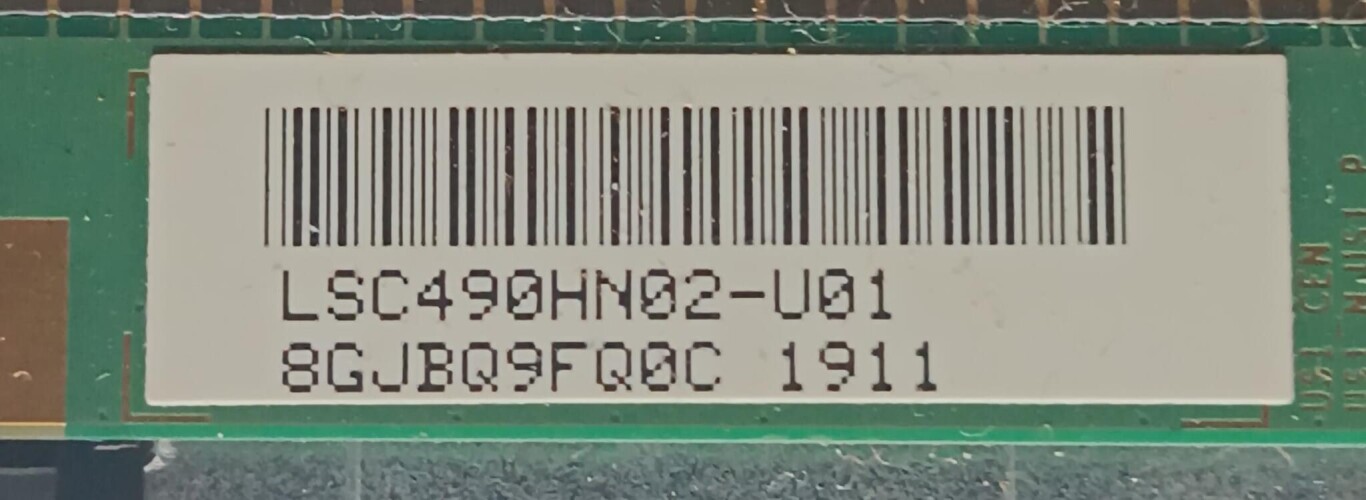
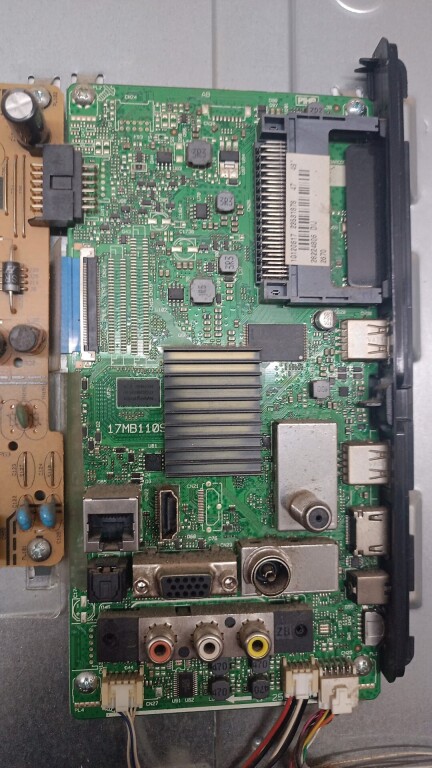
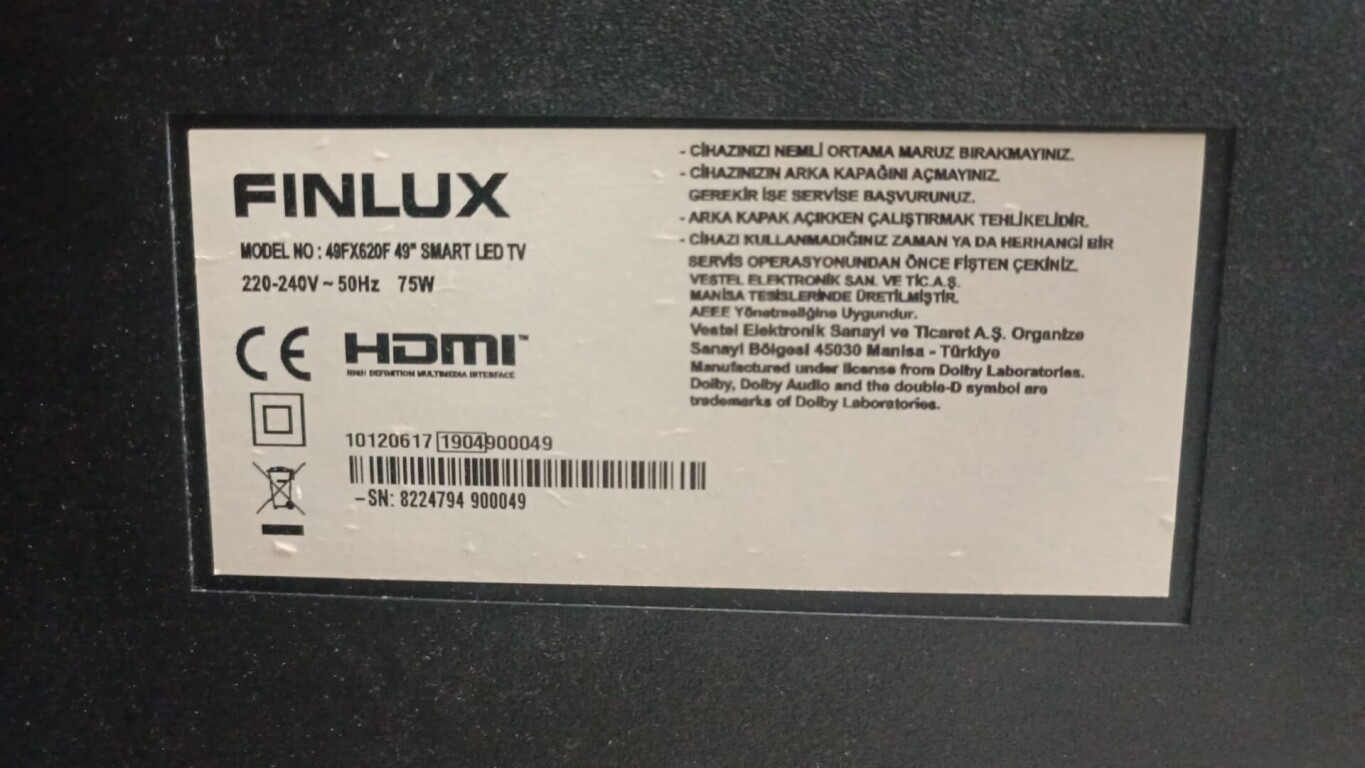


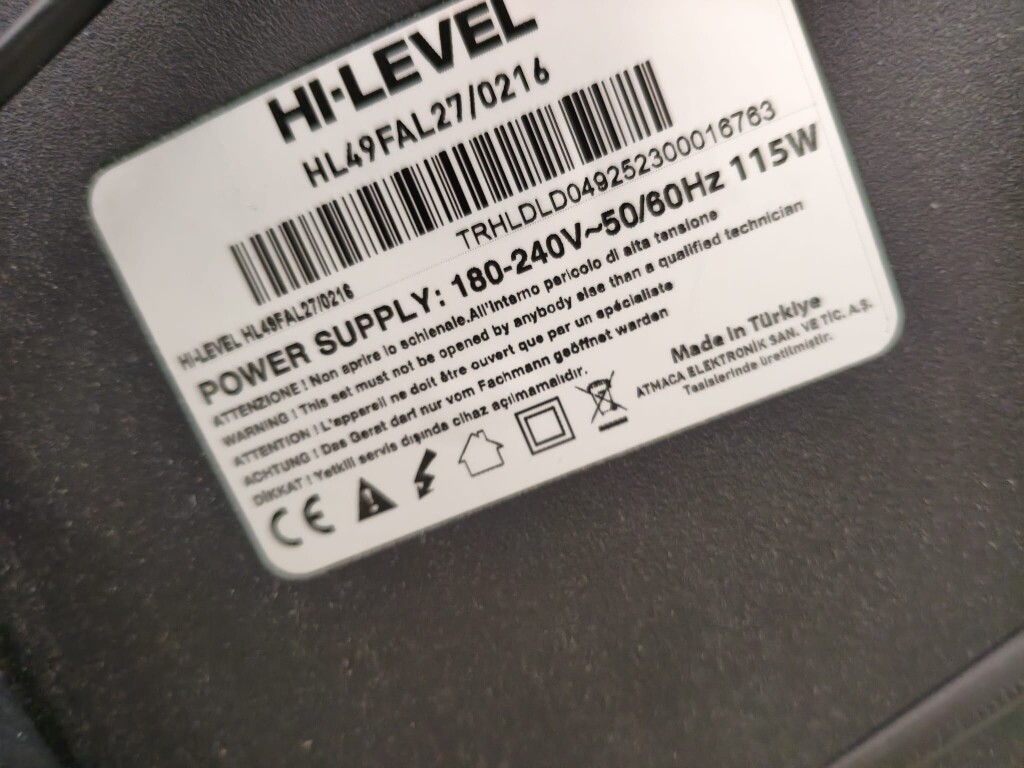
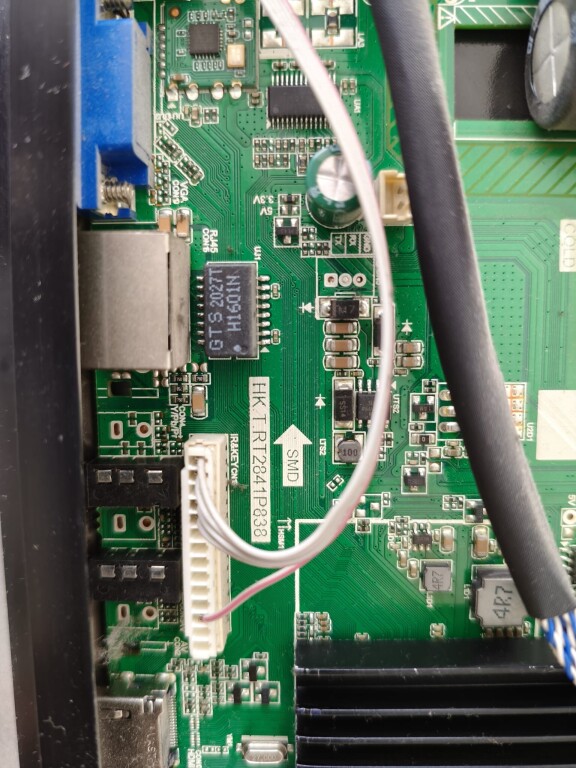
 yardımcı olabilirseniz çok sevinirim. şimdiden çok teşekkür ederim.